
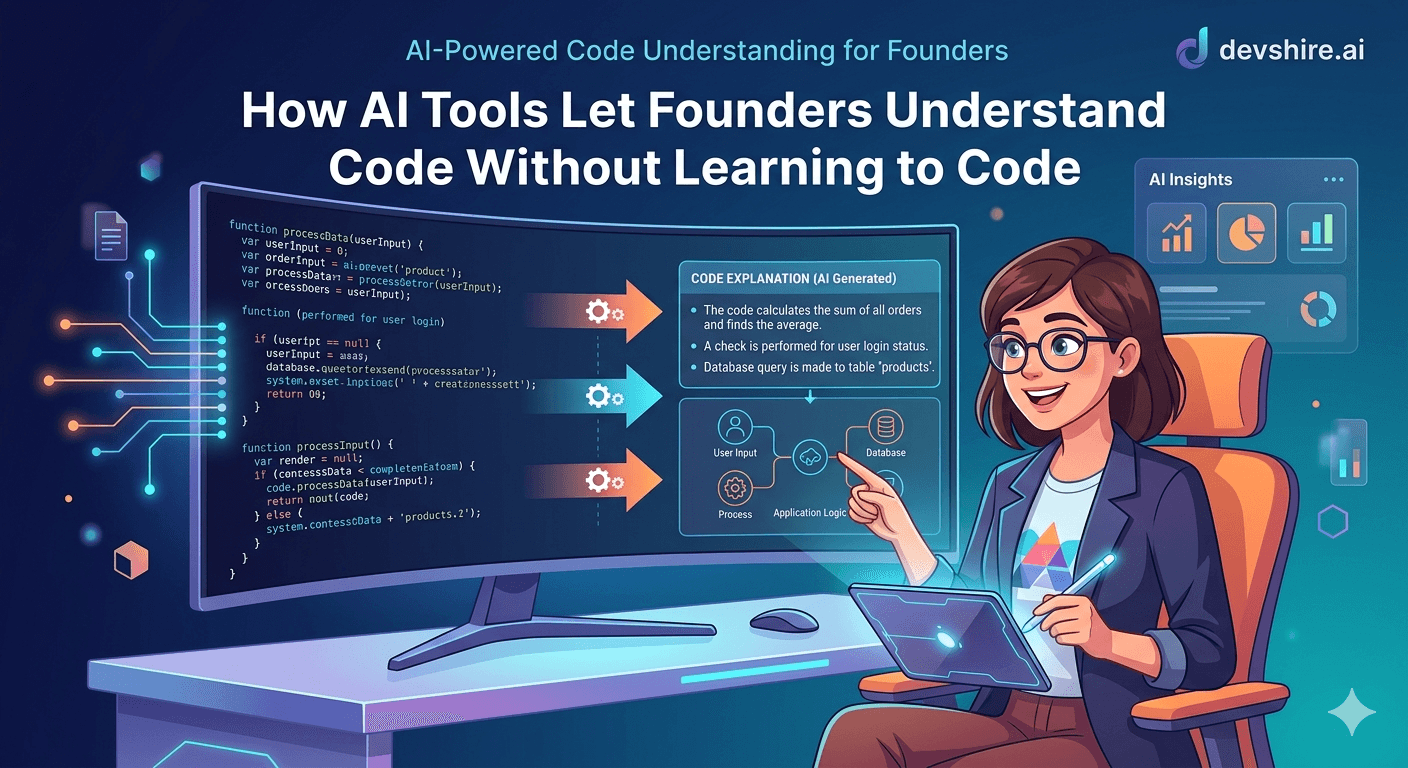
For a long time, non-technical founders had two options: trust your developer completely, or spend six months learning to code. Both are bad answers. Blind trust leads to surprises. Learning to code takes time you don't have and produces skills that are largely redundant when you're managing someone who already codes full-time. AI tools have quietly opened a third option: using Claude, ChatGPT, or Cursor to get plain-language explanations of what's actually in your codebase — without writing a single line yourself.
💡 TL;DR
AI tools let non-technical founders get plain-language explanations of any code, ask questions about architecture decisions, flag potential issues, and validate that what was built matches what was specified — without learning to code. The goal isn't to become a developer. It's to have enough visibility to ask better questions, catch misalignments early, and have real conversations about the work rather than nodding along.
What Non-Technical Founders Can Actually Do With AI and Code
Let's be specific. Here are five things you can do right now — today — using Claude or ChatGPT, without any coding knowledge.
1️⃣ Get a plain-language explanation of any function or module
Copy any code from your repository, paste it into Claude, and ask: "Explain what this code does in plain language, as if I'm a non-technical founder." You'll get a clear description of what it does, what inputs it takes, and what it returns. This alone gives you more visibility into your codebase than most non-technical founders have ever had.
2️⃣ Ask if the code matches your spec
Paste both your feature spec and the code your developer wrote, then ask Claude: "Does this code implement what the spec describes? What's missing, different, or unclear?" This is a powerful alignment check — not to catch your developer out, but to make sure what was built matches what was intended before it ships.
3️⃣ Flag potential problems before they hit production
Paste a module and ask: "Are there any obvious security issues, logic errors, or unnecessary complexity here? Explain any concerns in plain language." Claude will flag things like SQL injection risks, unhandled error states, or overly complex patterns that a simpler approach would handle. You don't need to fix them — you just need to ask your developer about them.
4️⃣ Understand architecture decisions in plain terms
When your developer explains a technical decision — "we're using a queue-based architecture for the notification system" — paste that explanation into Claude and ask: "What does this mean in plain language? What are the trade-offs? Are there simpler alternatives?" Build enough context to ask one good follow-up question. That's all you need.
5️⃣ Generate questions for your next check-in
Before your weekly developer check-in, paste the last sprint's commits or code changes into Claude and ask: "What questions should a non-technical founder ask about this work?" You'll get a list of specific, intelligent questions that will make your check-in more productive than any generic status update meeting.
Which AI Tool Is Best for Non-Technical Founders Reviewing Code?
Tool | Best For | Ease of Use | Cost |
|---|---|---|---|
Claude (claude.ai) | Code explanation, spec-matching, plain-language summaries | Very easy — conversational interface | Free tier + $20/mo Pro |
ChatGPT (GPT-4o) | Code explanation, architecture Q&A | Very easy — widely familiar | Free tier + $20/mo Plus |
Cursor AI | Deep codebase exploration with context | Requires installing an IDE — steeper for non-technical users | Free + $20/mo Pro |
Perplexity | Quick explanations with citations | Easy | Free tier available |
For most non-technical founders, Claude via claude.ai is the easiest starting point. The conversational interface, long context window, and strong plain-language explanation quality make it the right tool for code review conversations without any technical setup.
What This Isn't — And Why That Matters
This approach gives you visibility, not expertise. You won't be able to write code, fix bugs, or make architectural decisions. And you shouldn't try — that's your developer's job and why you hired them.
What you will be able to do is have real conversations about the work rather than nodding along. Ask whether a proposed approach is the simplest option or just the developer's preferred one. Catch when what was built doesn't match what was specified. Flag potential issues for your developer to evaluate. That's the goal — informed oversight, not technical intervention.
Most developers, honestly, welcome this. A founder who engages with the work — even at a surface level — is a better client than one who disappears and then complains about the output. The AI-assisted visibility loop makes the relationship better for both sides.
The Bottom Line
You don't need to learn to code to understand your codebase. AI tools like Claude let you get plain-language explanations of any code in seconds.
The five most useful things to do: explain code in plain language, check if code matches your spec, flag potential issues, understand architecture decisions, and generate check-in questions.
Claude via claude.ai is the easiest tool for non-technical founders — conversational interface, no setup, and strong plain-language explanation quality.
The goal is informed oversight, not technical intervention. You're building enough context to ask better questions — not to write code or override your developer's decisions.
Most developers welcome a founder who engages with the work at this level. It makes you a better client and produces better outcomes for both sides.
Trusted by 500+ startups & agencies
"Hired in 2 hours. First sprint done in 3 days."
Michael L. · Marketing Director
"Way faster than any agency we've used."
Sophia M. · Content Strategist
"1 AI dev replaced our 3-person team cost."
Chris M. · Digital Marketing
Join 500+ teams building 3× faster with Devshire
1 AI-powered senior developer delivers the output of 3 traditional engineers — at 40% of the cost. Hire in under 24 hours.
Frequently Asked Questions
Can non-technical founders use AI to understand code?
Yes — and it's one of the most practical things AI tools have enabled for non-technical founders in 2026. Paste any code into Claude or ChatGPT and ask for a plain-language explanation. You'll get a clear description of what it does without needing any coding knowledge. The goal isn't to become a developer — it's to have enough visibility to ask better questions and catch misalignments early.
Should non-technical founders learn to code in 2026?
Probably not as a priority. The ROI on learning to code as a founder has dropped significantly now that AI tools give you direct code visibility without it. Your time is better spent on product decisions, customer conversations, and business development. Use AI tools to get the code context you need — use your actual time for things only you can do.
Which AI tool is best for non-technical founders who want to understand code?
Claude (claude.ai) is the best starting point — conversational, no setup required, strong plain-language explanations, and a generous context window for pasting longer code files. ChatGPT is a solid alternative. Cursor AI is more powerful for deep codebase exploration but requires installing an IDE, which adds friction for non-technical users.
Is it okay to use AI to review my developer's code without telling them?
Yes — reviewing your own product's code with AI tools is completely appropriate. It's your codebase and your business. The goal isn't to audit your developer secretly but to build enough context to have better conversations. In practice, most non-technical founders who start doing this become more engaged product partners — which their developers generally appreciate, not resent.
How accurate are AI code explanations?
For explanation and summary purposes, very accurate — 90%+ for straightforward code. AI tools occasionally miss subtleties in complex logic or miss context that exists outside the pasted code. Treat AI code explanations as a starting point for questions, not as definitive technical assessments. If something in the explanation seems off, ask your developer to clarify — that conversation is the point.
Can I use AI to check if my developer built what I asked for?
Yes — this is one of the most useful use cases. Paste your feature spec and the relevant code into Claude and ask whether the code implements the spec, what's different, and what's missing. This spec-to-code alignment check is something most non-technical founders never do — and the misalignments it catches are exactly the kind of thing that becomes expensive to fix after launch.







Devshire Team
San Francisco · Responds in <2 hours
Hire your first AI developer — this week
Book a free 30-minute call. We'll match you with the right developer for your project and get you started within 24 hours.
<24h
Time to hire
3×
Faster builds
40%
Cost saved