
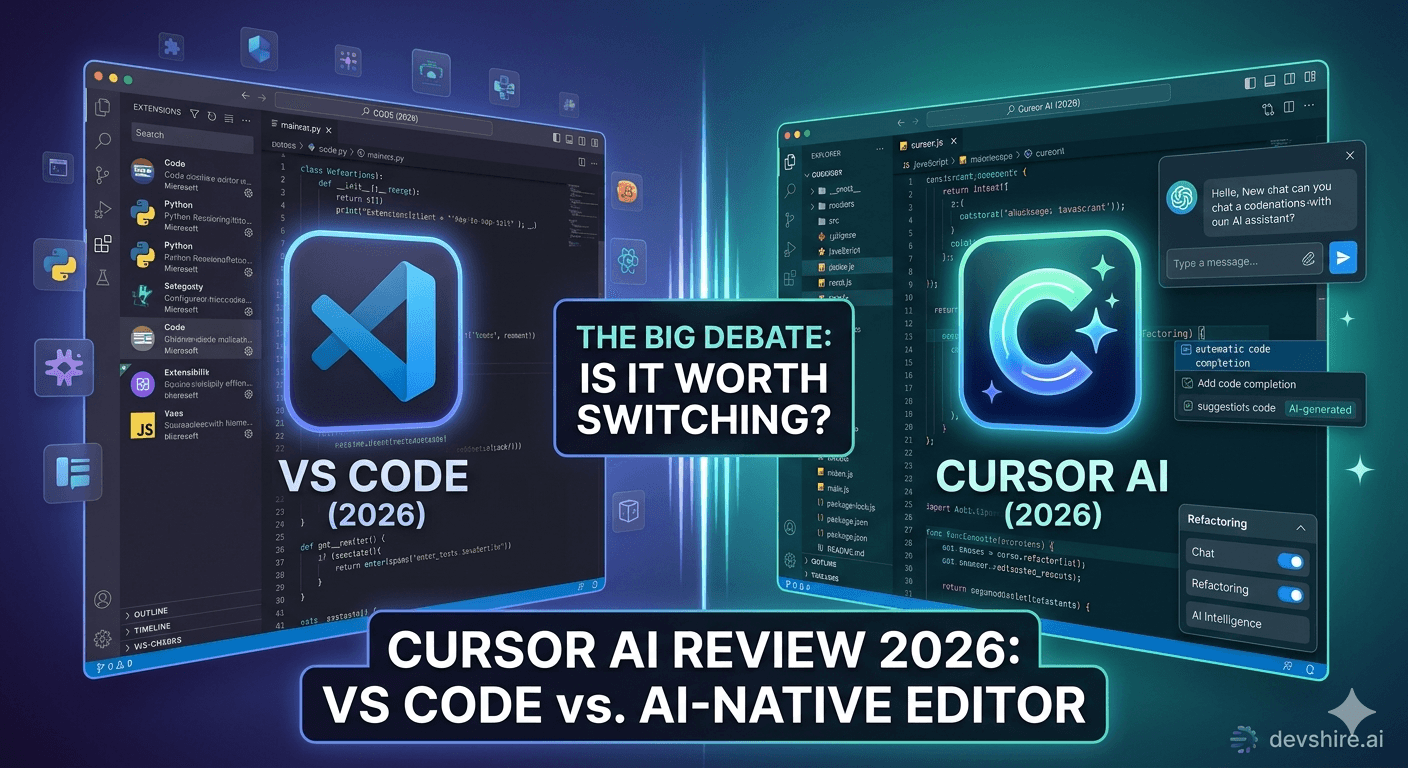
Everyone on Twitter says Cursor changed how they code. A few people say it's overhyped. The truth is somewhere in the middle — but closer to the first camp, if you're the right kind of developer. Cursor AI has become the default IDE for a growing number of professional developers building with AI tools, and for good reason. But "it's amazing" is not a useful review. Here's what actually holds up after months of daily use — and what the glowing posts conveniently leave out.
💡 TL;DR
Cursor AI is worth the switch for most professional developers building modern web or backend applications. The Composer feature alone — multi-file AI editing with full codebase context — is something VS Code with Copilot can't match. The $20/month Pro plan pays for itself within the first week for developers doing serious feature work. The main reasons to stay on VS Code: deep extension dependency, enterprise security constraints, or if you're primarily doing data science or embedded work.
What Cursor Actually Is (And Isn't)
Cursor is a fork of VS Code with AI capabilities built natively into the editor — not bolted on as an extension. That distinction matters more than it sounds. Because Copilot is an extension sitting on top of VS Code, it doesn't have native access to your full codebase context in the same way. Cursor does.
The result is that Cursor's AI features understand your project — not just the file you have open. When you ask it to add a function, it knows what already exists. When you ask it to fix a bug, it can look across files to find the cause. That's a fundamentally different capability than autocomplete-plus.
⚠️ Common advice that's wrong
A lot of "Cursor vs Copilot" comparisons treat them as equivalents competing for the same job. They're not. Copilot is an autocomplete layer. Cursor is an AI-native editor. Comparing them is like comparing a calculator to a spreadsheet — they overlap, but the use case and capability ceiling are different.
Cursor AI Features Worth Knowing About in 2026
Feature | What It Does | Verdict |
|---|---|---|
Composer (multi-file edit) | AI edits across multiple files simultaneously with full codebase context | The standout feature — nothing in VS Code matches it |
Chat (inline + sidebar) | Ask questions about your code, get context-aware answers | Significantly better than Copilot Chat in context accuracy |
Tab autocomplete | Smarter-than-Copilot completions with context awareness | Good — but not dramatically different from Copilot |
Rules for AI | Define project-level instructions that every AI interaction follows | Underused — genuinely powerful for team consistency |
Model selection | Switch between Claude 3.5 Sonnet, GPT-4o, and others | Claude 3.5 Sonnet is best for most coding tasks in 2026 |
What Doesn't Work as Well as the Reviews Suggest
Cursor isn't perfect. Here's what the enthusiastic Twitter threads tend to gloss over.
First: Composer hallucinates. Confidently. On complex multi-file tasks, it will sometimes make changes that look right but introduce subtle bugs — especially when dealing with shared state or TypeScript generics. You need to review Composer output carefully every time. Not because it's bad — but because fast generation at that scale requires proportionally more review.
Second: the extension ecosystem is almost — but not quite — VS Code. Most extensions work because Cursor is a VS Code fork. But a few enterprise or niche extensions don't. If your workflow depends on something specific, check compatibility before switching.
Third: it can get slow on very large codebases. Indexing a monorepo with 500,000+ lines of code taxes the context window and slows down the AI features. It's still usable — just not as snappy as on a clean project.
Should You Actually Switch? The Honest Answer.
Switch if: you're building web or backend applications and doing serious feature work daily. The Composer feature alone will save you 1–2 hours per day on non-trivial tasks. The $20/month Pro plan breaks even in the first week for any developer billing their time.
Don't switch if: you're in data science (Jupyter integration is better in VS Code), you're in an enterprise environment with strict security controls that haven't approved Cursor, or you rely heavily on a specific extension that doesn't work in Cursor yet. Check your extensions first. The migration is smooth — the extension gaps are the only real friction.
Trusted by 500+ startups & agencies
"Hired in 2 hours. First sprint done in 3 days."
Michael L. · Marketing Director
"Way faster than any agency we've used."
Sophia M. · Content Strategist
"1 AI dev replaced our 3-person team cost."
Chris M. · Digital Marketing
Join 500+ teams building 3× faster with Devshire
1 AI-powered senior developer delivers the output of 3 traditional engineers — at 40% of the cost. Hire in under 24 hours.
The Bottom Line
Cursor is an AI-native editor, not an AI extension. The multi-file Composer feature has full codebase context that VS Code with Copilot can't match.
The $20/month Pro plan pays for itself within the first week for developers doing serious daily feature work — the productivity delta is that significant.
Composer hallucinates on complex multi-file tasks. Review output carefully every time — the speed benefit disappears if bugs make it to production.
Most VS Code extensions work in Cursor. Check your specific dependencies before switching — the few that don't work are the only real migration risk.
Claude 3.5 Sonnet is the best model for most coding tasks inside Cursor in 2026. The model selection feature is worth configuring explicitly.
Cursor is best for web and backend application developers. Data science and embedded development workflows are better served by VS Code for now.
Frequently Asked Questions
Is Cursor AI worth switching from VS Code in 2026?
For most web and backend developers doing serious daily feature work, yes. The Composer feature — multi-file AI editing with full codebase context — is the standout capability and it genuinely doesn't exist in VS Code with Copilot. The $20/month Pro plan pays for itself quickly. Check your extension dependencies before switching.
What's the difference between Cursor AI and GitHub Copilot?
Copilot is an autocomplete extension that sits on top of your editor. Cursor is an AI-native fork of VS Code where the AI has full codebase context built in. Cursor's Composer feature can edit multiple files simultaneously with understanding of your full project. Copilot works file-by-file. Different capabilities, not just different tools.
How much does Cursor AI cost in 2026?
The free tier includes limited Composer and Chat usage. The Pro plan is $20/month and includes higher usage limits and access to premium models including Claude 3.5 Sonnet and GPT-4o. For professional developers billing time, the Pro plan pays for itself within days of daily use.
Does Cursor AI work with all VS Code extensions?
Most VS Code extensions work in Cursor since it's a fork of VS Code. A small number of extensions — particularly some enterprise security tools and niche integrations — don't work. Check your top 5–10 extensions in the Cursor extension marketplace before committing to a full switch. The migration itself is smooth.
What's the best AI model to use in Cursor for coding tasks?
Claude 3.5 Sonnet performs best for most coding tasks in Cursor in 2026 — particularly for refactoring, debugging, and complex feature work. GPT-4o is a solid alternative. The ability to switch models per task is one of Cursor's underrated features — use it.
What are the biggest weaknesses of Cursor AI?
Composer hallucinates on complex multi-file tasks — review output carefully every time. Large monorepos (500,000+ lines) slow down the AI features. A small number of VS Code extensions don't work. And Cursor's data handling may not meet enterprise security requirements in some organisations. These are real limitations, not dealbreakers for most developers.







Devshire Team
San Francisco · Responds in <2 hours
Hire your first AI developer — this week
Book a free 30-minute call. We'll match you with the right developer for your project and get you started within 24 hours.
<24h
Time to hire
3×
Faster builds
40%
Cost saved