
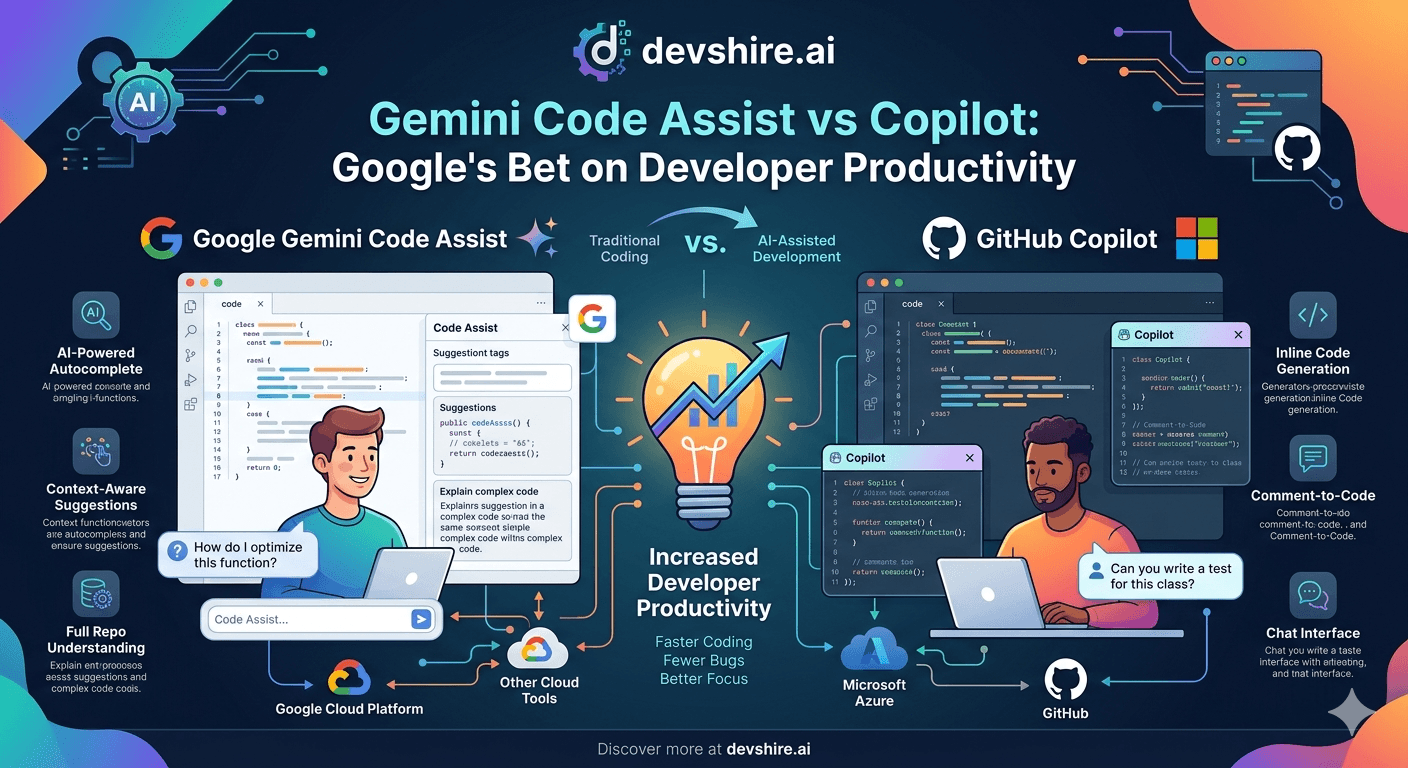
Google has been trying to win the developer productivity market for years. Gemini Code Assist is the most serious attempt yet — and unlike some previous Google developer tools, it's not obviously half-baked. But Copilot has two years of developer trust and a deeply embedded distribution advantage through GitHub. Here's whether Gemini Code Assist actually closes that gap.
💡 TL;DR
Gemini Code Assist is a strong competitor to Copilot — particularly for teams already in the Google Cloud ecosystem. Its free tier is more generous, its context window is larger, and its Google Cloud and Firebase integration is genuinely better than Copilot's. For teams not on Google Cloud, Copilot's tighter GitHub integration and more established community still gives it the edge for most daily dev work.
Gemini Code Assist vs GitHub Copilot: Feature Comparison
Factor | Gemini Code Assist | GitHub Copilot |
|---|---|---|
Free tier | Generous — 180,000 completions/month | Free for students and open source only |
Context window | 1M tokens (Gemini 1.5 Pro) | ~100k tokens effective |
Google Cloud integration | Excellent — native GCP and Firebase support | Basic |
GitHub integration | Basic | Deep — PR review, Actions, Copilot Workspace |
Code completion quality | Strong, slightly behind Copilot on average | Best-in-class for most languages |
Chat / Q&A | Good | Copilot Chat is more mature |
Pricing (individual) | Free tier + $19/mo Pro | $10/mo Individual |
Where Gemini Code Assist Genuinely Wins
The 1 million token context window is real and significant for large codebase work. For developers working on massive repos or complex multi-file refactors, Gemini's context advantage is a genuine differentiator. In practice, most daily coding tasks don't hit this ceiling — but it matters for the work where it does.
The Google Cloud and Firebase integration is noticeably better. If your backend runs on GCP, Cloud Run, or Firebase, Gemini Code Assist understands the service patterns, APIs, and configuration structures in a way that Copilot — trained on GitHub's public corpus — doesn't have natively. That specific context advantage is worth a lot for Google Cloud-native teams.
Where Copilot Still Leads
Code completion quality is still slightly better on average for Copilot across most languages — particularly for TypeScript, Rust, and Go. The gap has narrowed as Gemini has improved, but it hasn't closed yet. For daily autocomplete, Copilot still produces more accurate completions on edge cases.
The GitHub integration is Copilot's biggest structural advantage. PR summaries, inline code review, Copilot Workspace — all deeply integrated with GitHub workflows. If your team runs on GitHub, Copilot's integration is genuinely better, not just marginally. Gemini Code Assist integrates with GitLab better than GitHub.
The Bottom Line
Gemini Code Assist is a serious Copilot alternative — not a also-ran. Its 1M token context window and generous free tier are real advantages.
Google Cloud and Firebase teams should strongly consider Gemini Code Assist — the native service context is a meaningful productivity advantage.
GitHub-native teams and teams prioritising code completion quality should stick with Copilot for now. The integration depth and completion accuracy still give it the edge.
The free tier difference is significant: Gemini's 180,000 completions/month vs Copilot's student/open-source-only free access makes Gemini accessible to more developers without payment.
Expect this gap to keep closing — Google is investing heavily and Gemini Code Assist in late 2026 is materially better than it was at launch.
Trusted by 500+ startups & agencies
"Hired in 2 hours. First sprint done in 3 days."
Michael L. · Marketing Director
"Way faster than any agency we've used."
Sophia M. · Content Strategist
"1 AI dev replaced our 3-person team cost."
Chris M. · Digital Marketing
Join 500+ teams building 3× faster with Devshire
1 AI-powered senior developer delivers the output of 3 traditional engineers — at 40% of the cost. Hire in under 24 hours.
Frequently Asked Questions
Is Gemini Code Assist better than GitHub Copilot in 2026?
Better in specific scenarios: larger context window, stronger Google Cloud integration, and a more generous free tier. Copilot is still better for overall code completion quality, GitHub integration depth, and community resources. Neither is categorically better — the right choice depends on your cloud environment and version control setup.
Is Gemini Code Assist free?
Yes — Gemini Code Assist has a genuinely useful free tier with 180,000 code completions per month. This is significantly more generous than Copilot's free access (limited to verified students and open source contributors). The Pro tier at $19/month adds higher limits and additional features for professional use.
Does Gemini Code Assist work in VS Code?
Yes — Gemini Code Assist works as an extension in VS Code, JetBrains IDEs, and other major editors. The setup is comparable to Copilot. For VS Code users on Google Cloud projects, the extension provides native GCP service context that Copilot doesn't offer.
Is Gemini Code Assist good for Python development?
Yes — Gemini performs well on Python, particularly for Python projects running on Google Cloud services. For general Python development not tied to GCP, the performance difference between Gemini and Copilot is minimal for most daily tasks. Claude 3.5 Sonnet (via Cursor or the API) remains the stronger model for complex Python debugging regardless of which autocomplete tool you use.
What's the context window difference between Gemini and Copilot?
Gemini Code Assist, powered by Gemini 1.5 Pro, supports up to 1 million tokens. GitHub Copilot's effective context window is approximately 100k tokens. For most coding tasks this difference doesn't matter. For large codebase work, multi-file refactors, or complex debugging sessions with extensive context, Gemini's advantage is real.
Should I switch from GitHub Copilot to Gemini Code Assist?
Probably not unless you're on Google Cloud or want to try the free tier. Switching has a real cost — re-learning keyboard shortcuts, workflow changes, and losing Copilot's GitHub integration. If you're starting fresh or currently on GCP, Gemini is worth serious evaluation. If Copilot is working well for you, the current gap doesn't justify the disruption.







Devshire Team
San Francisco · Responds in <2 hours
Hire your first AI developer — this week
Book a free 30-minute call. We'll match you with the right developer for your project and get you started within 24 hours.
<24h
Time to hire
3×
Faster builds
40%
Cost saved