
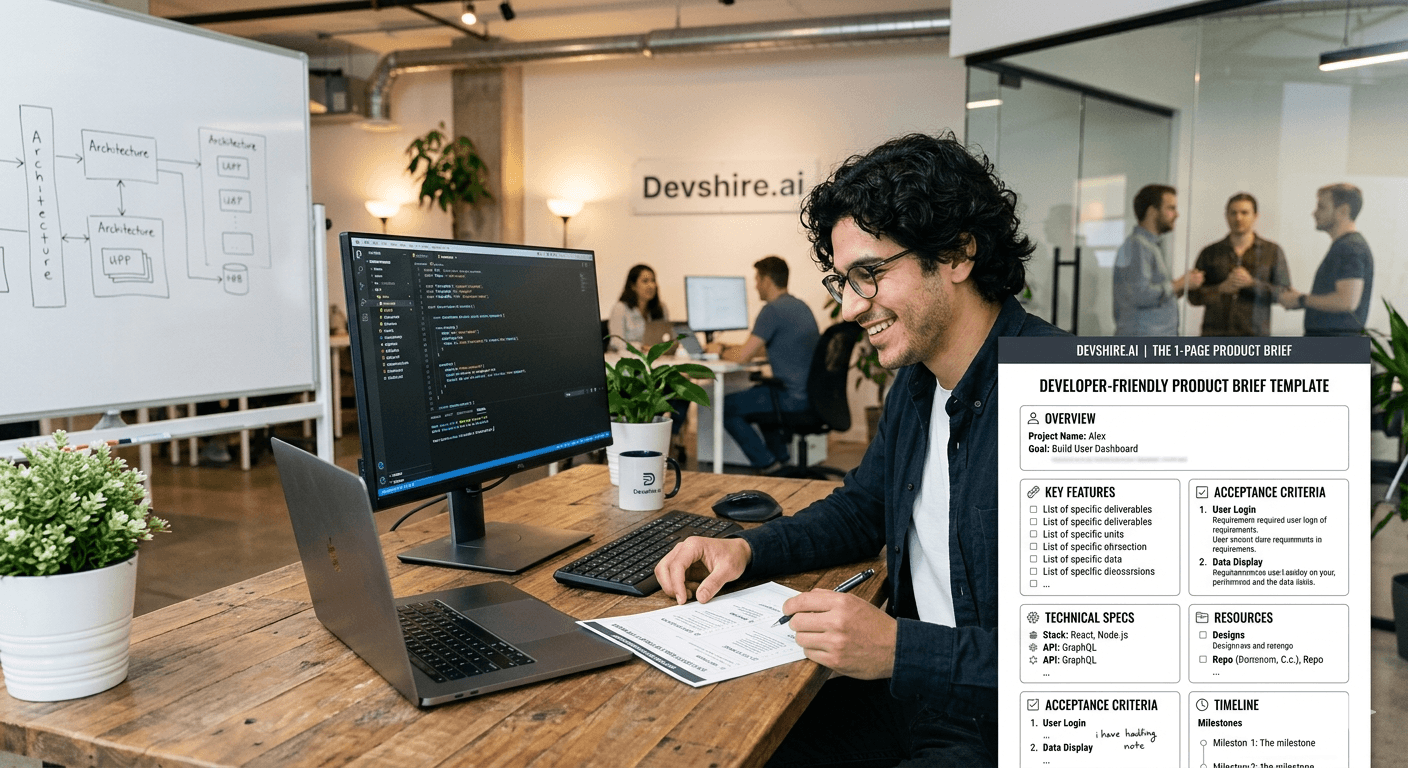
Developers don't hate working with non-technical founders. They hate working with vague briefs. There's a difference. The frustration isn't the founder — it's the four-paragraph email that says "I want something like Notion but for [vague use case]" and then expects a timeline and a price. A one-page product brief changes this completely. It's the single document that lets a developer estimate accurately, build confidently, and ask the right questions instead of guessing.
💡 TL;DR
A one-page product brief has six sections: what you're building, who uses it, the step-by-step user flow, data in and out, edge cases, and what's explicitly out of scope. Fill in all six in plain language — no technical jargon required. A well-filled brief reduces developer questions by 60–70%, produces more accurate estimates, and prevents the scope creep that derails most early builds.
Why Most Product Briefs Fail Before a Line of Code Is Written
Most product briefs fail for one of three reasons. They describe the interface instead of the behaviour. They list features instead of user flows. And they completely omit edge cases and exclusions — the two things developers need most to scope accurately.
"There should be a dashboard with charts" tells a developer nothing useful. "The user can view their last 30 days of upload activity in a bar chart, broken down by file type" tells them exactly what to build. The difference isn't technical knowledge — it's specificity. And specificity is a writing skill, not a coding one.
⚠️ Common advice that's wrong
Many product guides tell founders to create detailed wireframes before writing a brief. That's backwards. A written brief forces you to define behaviour first. Wireframes define layout. Behaviour is what developers build — layout is what designers do. Write the brief, then optionally sketch the wireframe. Not the other way around.
The One-Page Product Brief Template
Here's the complete template. Every section matters. None are optional. Fill each one in plain language — if you find yourself using technical words you don't fully understand, stop and rephrase in simpler terms.
Section | What to Write | Length |
|---|---|---|
1. What we're building | One sentence. What is this feature or product? | 1 sentence |
2. Who uses it | Describe the user type, their context, and why they need this | 2–3 sentences |
3. Step-by-step user flow | Every action the user takes, numbered in order | 5–10 steps |
4. Data in / data out | What information enters the system and what comes out | 3–5 bullet points |
5. Edge cases | At least 3 things that could go wrong and how to handle them | 3–5 bullet points |
6. Out of scope | What is explicitly NOT included in this build | 3–5 bullet points |
A Worked Example: Document Upload and Classification Feature
Here's what a well-filled brief looks like for a real feature. Use this as a model for your own.
📄 1. What we're building
A PDF upload tool that classifies uploaded documents into one of five support ticket categories using an LLM.
👤 2. Who uses it
Support agents who receive PDF-format queries from enterprise clients. They upload the document to get a category tag so they can route it to the right team immediately, rather than reading the full document first.
🔢 3. Step-by-step user flow
1. Agent logs in and goes to the Upload page. 2. Clicks the Upload PDF button. 3. Selects a PDF from their local drive. 4. Sees a processing spinner ("Analysing document..."). 5. Sees the result: category tag + confidence score (e.g. "Billing Issue — 94% confidence"). 6. Can click Accept to confirm or Override to manually select a different category. 7. Result is saved to the ticket log.
📦 4. Data in / data out
In: PDF file (max 10MB). Out: category tag (one of five predefined categories) + confidence score (percentage). The result is stored against the agent's user ID and a timestamp in the ticket log.
⚠️ 5. Edge cases
File over 10MB: show error "File too large — maximum 10MB" and do not upload. Non-PDF file: show error "Please upload a PDF file only." LLM returns an error or times out: show "Classification unavailable — please try again or classify manually" and allow manual selection. PDF with no extractable text (scanned image): show "Unable to read document — please classify manually."
🚫 6. Out of scope
No bulk upload (multiple files at once). No email integration. No mobile app support. No admin dashboard for managing categories. No training or retraining of the classification model.
Using AI to Write Your Brief Faster
Here's the fastest way to produce a good brief if writing isn't your strength: describe the feature out loud (a voice memo works perfectly), transcribe it, paste it into Claude, and ask: "Turn this into a one-page product brief with these six sections: what we're building, who uses it, step-by-step user flow, data in/out, edge cases, and out of scope. Ask me clarifying questions for anything that's missing."
Claude will produce a draft and flag the gaps in your description. Fill those gaps, then send the brief to your developer with the explicit ask: "What questions do you have, and what's missing?" Three rounds of this loop — rough description, AI draft, developer questions — produces a better brief than most non-technical founders write from scratch in days.
Trusted by 500+ startups & agencies
"Hired in 2 hours. First sprint done in 3 days."
Michael L. · Marketing Director
"Way faster than any agency we've used."
Sophia M. · Content Strategist
"1 AI dev replaced our 3-person team cost."
Chris M. · Digital Marketing
Join 500+ teams building 3× faster with Devshire
1 AI-powered senior developer delivers the output of 3 traditional engineers — at 40% of the cost. Hire in under 24 hours.
The Bottom Line
A good product brief describes behaviour, not interface. "The user can view their last 30 days of upload activity in a bar chart" is a brief. "There should be a dashboard" is not.
The six sections are non-negotiable: what you're building, who uses it, step-by-step user flow, data in/out, edge cases, and out of scope.
The out-of-scope section is as important as the in-scope section. Every item you leave off the exclusions list is a potential scope creep conversation later.
List at least three edge cases. Every edge case you specify in the brief is a bug you've prevented — not discovered in production.
Use Claude to turn a rough voice description into a structured first draft, then refine with your developer's questions. This loop produces better briefs faster than writing from scratch.
A developer who receives a brief with all six sections filled accurately will give you a more accurate estimate, ask fewer questions mid-build, and deliver closer to what you imagined.
Frequently Asked Questions
What should a product brief include for a developer?
Six things: what you're building (one sentence), who uses it (user type and context), the step-by-step user flow (every action in order), data in and out (what enters and exits the system), edge cases (at least three failure scenarios with handling), and out of scope (what is explicitly not included). Fill all six and your developer can estimate, build, and deliver without guessing.
How long should a product brief be?
One page for most features — enough to cover all six sections without padding. If your brief is running to three or four pages, you're either building too much in one sprint or including design thinking that belongs in a wireframe. Keep it behavioural and concise. A developer should be able to read the full brief in under five minutes.
Do I need to include wireframes with my product brief?
Optional but helpful, not required. A well-written brief with a clear user flow is buildable without wireframes. If you have wireframes, attach them as a supplement — not a replacement for the written brief. Wireframes describe layout; the brief describes behaviour. Developers need both, but the brief is more important.
How do I know if my product brief is good enough?
Send it to your developer with the question: "What questions do you have, and what's missing?" If they come back with more than three clarifying questions, the brief needs more detail. If they can give you a time estimate within 30 minutes of reading it, the brief is doing its job. Developer questions are your brief's quality metric.
Can I use AI to write a product brief?
Yes — and it's the fastest approach for non-technical founders. Describe the feature to Claude in plain language (voice memo transcription works well), then ask it to structure your description into the six-section brief template and flag missing information. The AI will surface gaps in your thinking that you can fill before sending to your developer. Expect one or two rounds of refinement before it's complete.
What's the most common mistake in a product brief?
Describing the interface instead of the behaviour, and omitting the out-of-scope section. "There should be a download button" is an interface description. "The user can download their processed document as a PDF by clicking Download — the file should include the original content and the classification tag in the filename" is a behavioural description. The second version is what developers can build from. The first version is a conversation starter, not a brief.







Devshire Team
San Francisco · Responds in <2 hours
Hire your first AI developer — this week
Book a free 30-minute call. We'll match you with the right developer for your project and get you started within 24 hours.
<24h
Time to hire
3×
Faster builds
40%
Cost saved