
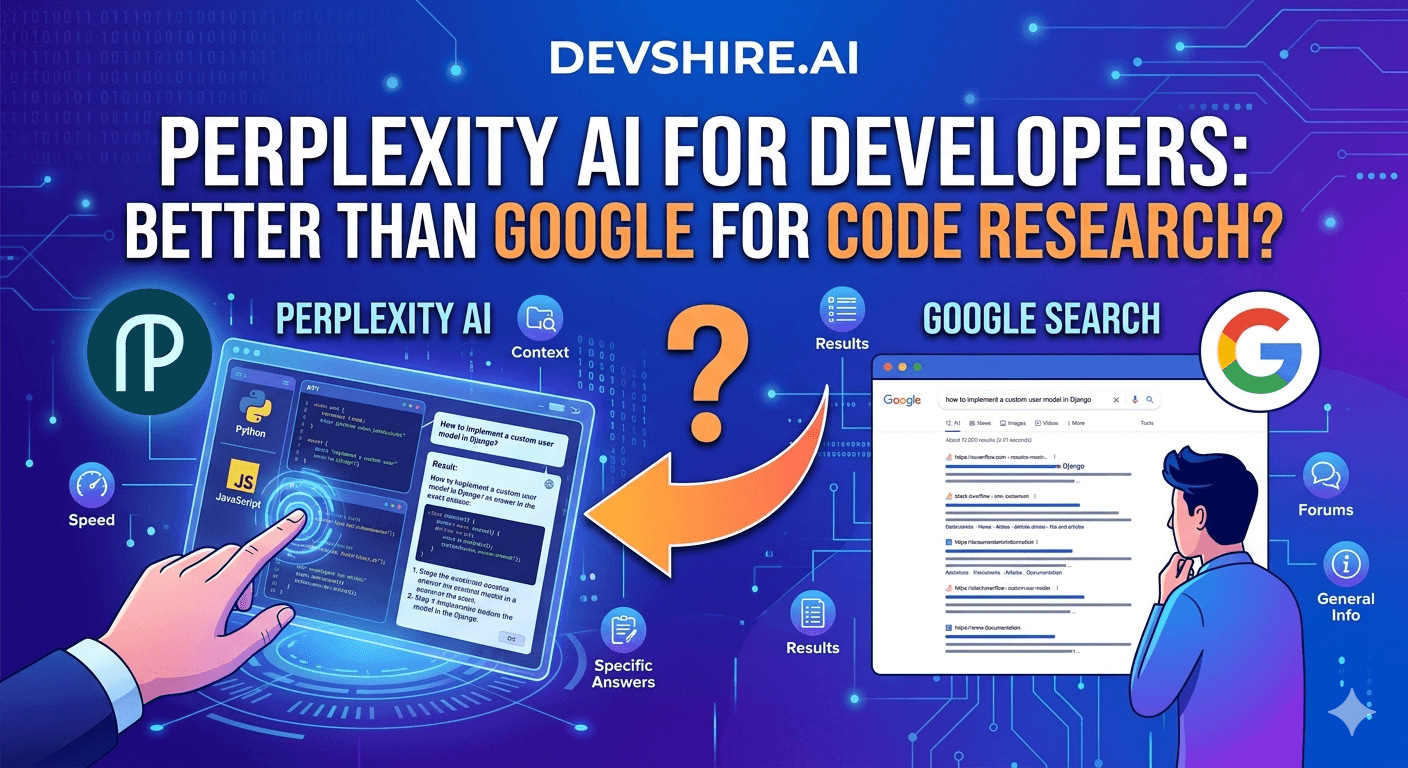
Developers have been quietly replacing Google with Perplexity AI for technical research over the past year. Not for everything — but for a specific and important slice of daily work: library documentation lookups, API behaviour questions, debugging obscure errors, and "what's the current recommended way to do X" questions. The question worth asking isn't whether Perplexity is better in general. It's whether it's better for the specific things developers search for.
💡 TL;DR
Perplexity AI is meaningfully better than Google for code research in specific scenarios: obscure error messages, current library recommendations, and technical Q&A where you want a synthesised answer rather than a list of links. Google is still better for finding specific documentation pages, recent release notes, and anything where you need the primary source directly. Most developers end up using both — Perplexity as the first stop, Google as the fallback for source verification.
Where Perplexity AI Actually Beats Google for Developers
Perplexity's advantage over Google comes from its ability to synthesise an answer from multiple sources rather than handing you a ranked list of links to click through. For developers, that synthesis is genuinely valuable in three specific scenarios.
🐛 Obscure error messages
"AttributeError: 'NoneType' object has no attribute 'execute' in SQLAlchemy 2.0" — Google gives you a Stack Overflow thread from 2018 that half-answers the question. Perplexity synthesises the current solution from multiple sources, flags the SQLAlchemy 2.0 migration change that caused it, and gives you the fix in one answer. Faster, more accurate for version-specific errors.
📚 "What's the current best way to do X?"
For questions like "what's the recommended way to handle JWT refresh tokens in FastAPI in 2026," Google surfaces a mix of old tutorials and opinionated blog posts. Perplexity synthesises the current community consensus with citations. It's not always perfectly right — but it's a better starting point than five contradictory articles.
⚡ Comparing libraries or approaches
"SQLModel vs SQLAlchemy for a FastAPI project" — Perplexity gives you a synthesised comparison with trade-offs in two paragraphs. Google gives you eleven tabs to open. For decision-speed research, Perplexity wins on time-to-useful-answer.
Where Google Still Wins (And Perplexity Falls Short)
Perplexity hallucinates. Not constantly — but confidently enough that you shouldn't use it as a single source of truth for anything you're going to put in production. For verifying API behaviour, checking exact method signatures, or finding the definitive official documentation: go directly to the source. Google gets you to the official docs faster.
Google is also better for: recent release notes (Perplexity's real-time index lags), finding specific GitHub issues or PRs, and searches where you know exactly what you're looking for. "FastAPI 0.115 changelog" should go to Google or directly to the FastAPI docs — not Perplexity.
⚠️ One caveat on Perplexity code answers
Perplexity sometimes cites sources that don't actually say what it claims they say. Always click through to the citation when Perplexity gives you a specific code pattern or API call. It's right 80–90% of the time — but the 10–20% where it's wrong is confident enough to be dangerous if you don't verify.
Perplexity vs Phind: Which Research Tool for Developers?
Factor | Perplexity AI | Phind |
|---|---|---|
General technical research | Excellent | Good |
Code-specific Q&A | Good | Purpose-built for developers — strong |
Citation quality | Better citations | Fewer citations but more code examples |
Non-coding research | Strong | Developer-focused — weaker outside code |
Free tier | Generous free tier | Free for most features |
The Bottom Line
Perplexity is the better first stop for code research in three specific scenarios: obscure error messages, current library recommendations, and library comparison questions.
Google is still better for finding official documentation, recent release notes, specific GitHub issues, and any search where you need the primary source directly.
Always verify Perplexity code answers against the cited source before using in production — it's right most of the time but confident enough when wrong to be dangerous.
Phind is a strong Perplexity alternative specifically for code Q&A — purpose-built for developers and produces more practical code examples with less synthesis overhead.
The practical developer workflow: Perplexity or Phind as the first research stop, Google or official docs for verification and source confirmation.
Trusted by 500+ startups & agencies
"Hired in 2 hours. First sprint done in 3 days."
Michael L. · Marketing Director
"Way faster than any agency we've used."
Sophia M. · Content Strategist
"1 AI dev replaced our 3-person team cost."
Chris M. · Digital Marketing
Join 500+ teams building 3× faster with Devshire
1 AI-powered senior developer delivers the output of 3 traditional engineers — at 40% of the cost. Hire in under 24 hours.
Frequently Asked Questions
Is Perplexity AI better than Google for developers?
For specific use cases — synthesising answers to error messages, current library recommendations, and quick technology comparisons — yes, Perplexity is faster and more useful. For finding official documentation, specific GitHub threads, and recent release information, Google is still better. Most developers use both: Perplexity for synthesis, Google for source verification.
Does Perplexity AI give accurate code answers?
Roughly 80–90% of the time, yes. The concern is that Perplexity is confident when it's wrong — it doesn't flag uncertainty well. Always click through to the cited sources when it gives you a specific code pattern or API call, especially for production work. It's a research accelerator, not a source of truth.
What's the difference between Perplexity AI and Phind for developers?
Phind is purpose-built for developers — it focuses on code Q&A and produces more practical code examples. Perplexity is a general AI search tool with strong developer use cases but broader scope. Both are free to use at the basic level. Phind is the stronger choice for code-specific questions; Perplexity is stronger for broader technical research.
Can Perplexity AI replace Stack Overflow for developers?
For many common questions, yes — Perplexity synthesises answers faster than Stack Overflow's search and doesn't require clicking through multiple threads. But Stack Overflow still wins for nuanced, community-debated questions where the context in comments and competing answers matters. And Stack Overflow answers are human-verified in a way Perplexity's synthesis isn't.
How much does Perplexity AI Pro cost for developers?
Perplexity Pro is $20/month and unlocks unlimited searches with the more powerful models (GPT-4o and Claude), file upload, and higher API limits. The free tier is genuinely useful for casual research — most developers who use Perplexity daily find the Pro tier worth it, particularly for the more capable model access on complex technical questions.
Is Perplexity AI good for finding current library documentation?
Good for quick synthesis and current recommendations — less reliable for precise, version-specific documentation. For exact method signatures and official API behaviour, go directly to the library's documentation. Use Perplexity to get your bearings quickly, then verify specifics against the official docs before writing code that will run in production.







Devshire Team
San Francisco · Responds in <2 hours
Hire your first AI developer — this week
Book a free 30-minute call. We'll match you with the right developer for your project and get you started within 24 hours.
<24h
Time to hire
3×
Faster builds
40%
Cost saved