
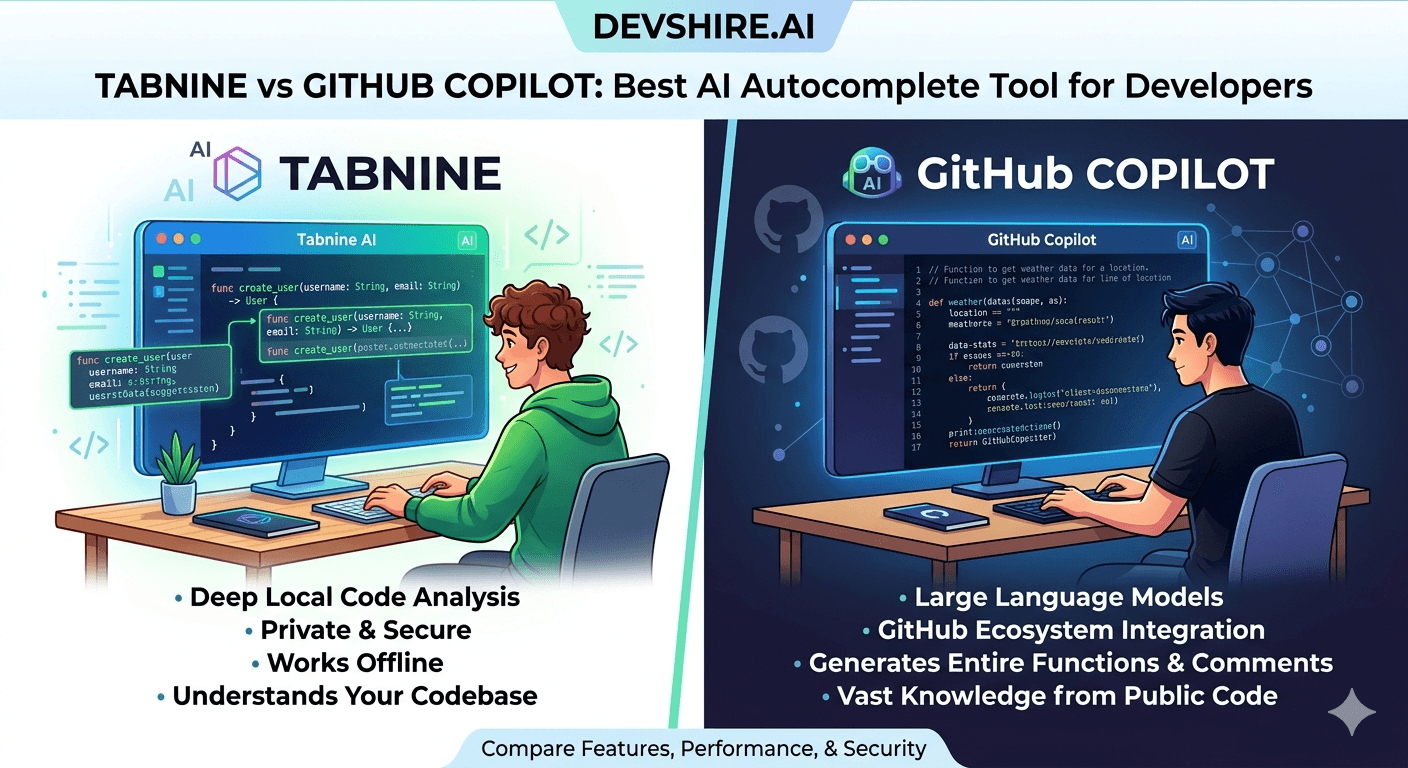
AI autocomplete used to be a nice-to-have. In 2026 it's a baseline expectation for professional development work. The two names developers keep comparing are Tabnine and GitHub Copilot — and the comparison is more nuanced than most reviews make it. They're not the same product chasing the same user. Here's what each does well and who should be using which.
💡 TL;DR
GitHub Copilot has better raw completion quality and a stronger feature set for most developers. Tabnine wins on privacy, enterprise security controls, and on-premises deployment for teams with strict data handling requirements. For most individual developers and small teams, Copilot is the default choice. For enterprises with data privacy mandates, Tabnine is the serious alternative.
Tabnine vs GitHub Copilot: Feature Comparison
Factor | GitHub Copilot | Tabnine |
|---|---|---|
Completion quality | Excellent — top of class | Good — strong for local patterns |
Chat feature | Copilot Chat — strong contextual Q&A | Tabnine Chat — functional, less capable |
Privacy / on-prem deployment | Cloud only | On-premises option available |
Training on your code | Uses public code — opt-out available | Can train on your private codebase only |
IDE support | VS Code, JetBrains, Neovim, and more | Same broad IDE support |
Pricing | $10/mo individual, $19/mo business | Free tier, Pro $12/mo, Enterprise custom |
Free tier | Free for students and open source | Free tier for individuals (limited) |
Why Most Developers Choose Copilot
Copilot's completion quality is simply better for most general-purpose development. It's trained on a vastly larger dataset of public code, which means it handles more languages, more frameworks, and more edge cases with higher accuracy. The gap has narrowed since Tabnine's improvements in 2025 — but it's still real for most everyday tasks.
Copilot Chat is also more capable than Tabnine's equivalent. The contextual code Q&A, explanation generation, and debugging assistance in Copilot Chat outperforms Tabnine Chat on complex questions. If you want an autocomplete tool that also helps you understand and debug code — not just generate it — Copilot wins.
When Tabnine Is the Right Choice
Tabnine's real advantage is privacy and data control. For enterprises in regulated industries — healthcare, finance, legal — where sending code to a third-party cloud service is a compliance problem, Tabnine's on-premises deployment is the answer. Your code stays inside your infrastructure. Full stop.
Tabnine also lets you train a model specifically on your organisation's codebase — not on public code. For teams with proprietary patterns, internal libraries, and code conventions that differ from public norms, that local training produces more relevant completions than a model trained on GitHub's public corpus.
The Bottom Line
Copilot has better general completion quality and a stronger chat feature — it's the default choice for most individual developers and small teams.
Tabnine wins on data privacy, on-premises deployment, and private codebase training — the right choice for enterprises with strict data handling requirements.
The Tabnine free tier is a genuine option for individual developers who don't need Copilot Chat and want privacy by default.
For most teams without specific compliance constraints, the completion quality gap between Copilot and Tabnine is significant enough to justify Copilot's pricing.
If your enterprise needs on-prem AI autocomplete, Tabnine is not just an alternative — it's essentially the only serious option in 2026.
Trusted by 500+ startups & agencies
"Hired in 2 hours. First sprint done in 3 days."
Michael L. · Marketing Director
"Way faster than any agency we've used."
Sophia M. · Content Strategist
"1 AI dev replaced our 3-person team cost."
Chris M. · Digital Marketing
Join 500+ teams building 3× faster with Devshire
1 AI-powered senior developer delivers the output of 3 traditional engineers — at 40% of the cost. Hire in under 24 hours.
Frequently Asked Questions
Is Tabnine or GitHub Copilot better for developers in 2026?
Copilot has better completion quality and chat capabilities for most general development work. Tabnine is the stronger choice for enterprises with privacy requirements, on-premises deployment needs, or teams that want to train the model on their own private codebase. The decision comes down to quality vs data control.
Does GitHub Copilot train on my private code?
By default, Copilot doesn't use your code for model training if you opt out — and Copilot Business has this opt-out on by default for all users. However, your code is still processed by GitHub's cloud infrastructure to generate completions. For teams where any cloud processing of proprietary code is a concern, Tabnine's on-premises option is the alternative.
Can Tabnine be deployed on-premises?
Yes — Tabnine Enterprise offers on-premises deployment, meaning the model runs within your own infrastructure and your code never leaves your network. This is the primary reason regulated enterprises choose Tabnine over Copilot. Setup requires more infrastructure work, but for compliance purposes it's often non-negotiable.
How much does Tabnine cost compared to GitHub Copilot?
Tabnine Pro is $12/month vs Copilot Individual at $10/month. Tabnine Enterprise is custom pricing. Tabnine has a free tier with limited completions; Copilot's free tier is available for verified students and open source contributors. For teams, Copilot Business at $19/user/month competes with Tabnine's team tier.
Which AI autocomplete tool has better IDE support?
Both support the major IDEs: VS Code, JetBrains IDEs (IntelliJ, PyCharm, WebStorm), Neovim, and more. IDE support is effectively a tie between Copilot and Tabnine in 2026. The difference is in feature depth within those IDEs — Copilot's chat and inline assistance is richer in VS Code specifically.
Is the Tabnine free tier useful for professional development?
For basic autocomplete, yes. The free tier provides local model completions without the cloud-based quality boost of the paid tier. It's notably weaker than Copilot's output but useful if privacy is a priority and budget is a constraint. Most professional developers who evaluate it end up upgrading to Pro within a few weeks.







Devshire Team
San Francisco · Responds in <2 hours
Hire your first AI developer — this week
Book a free 30-minute call. We'll match you with the right developer for your project and get you started within 24 hours.
<24h
Time to hire
3×
Faster builds
40%
Cost saved