
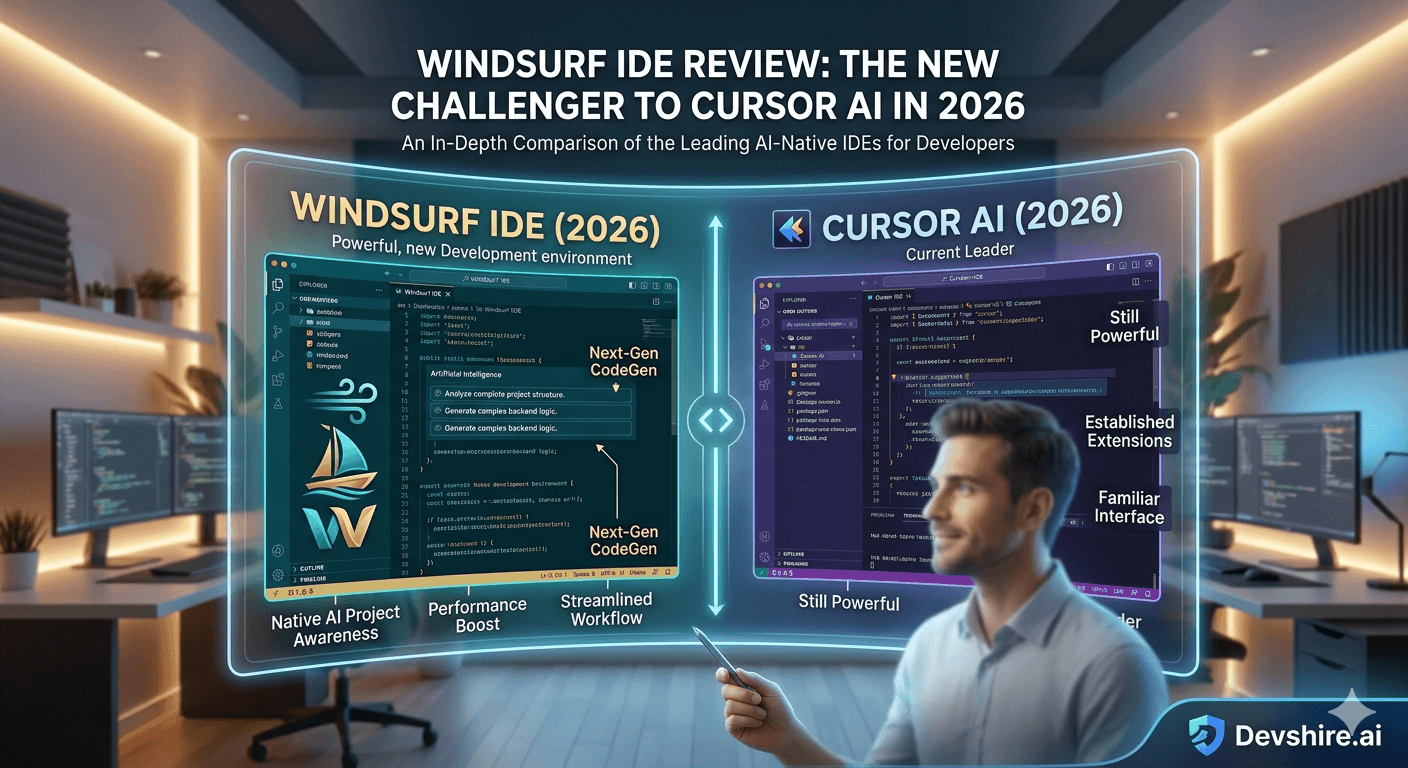
Cursor AI has been the AI-native IDE to beat since 2024. Then Windsurf showed up. Built by Codeium and positioned directly against Cursor, Windsurf has been making noise for the right reasons — and some wrong ones. After months of daily use across real projects, here's the honest review. Not the launch-day impressions. The actual verdict.
💡 TL;DR
Windsurf IDE is a legitimate alternative to Cursor for developers who prioritise a more polished UX and stronger flow-state editing experience. Its Cascade feature — agentic multi-step coding — is genuinely impressive and in some cases better than Cursor's Composer for clearly defined tasks. The free tier is meaningfully more generous than Cursor's. The main trade-off: smaller community, fewer resources, and less mature extension handling than Cursor's more established VS Code fork foundation.
What Windsurf Is — and Why Codeium Built It
Windsurf is an AI-native IDE built by Codeium, a company that previously focused on AI autocomplete as a VS Code extension. Rather than staying in the extension lane, they built a full editor to compete with Cursor head-on. The result is an editor that feels less like a modified VS Code and more like something purpose-built for AI-assisted development.
The headline feature is Cascade — Windsurf's agentic coding assistant that plans and executes multi-step tasks across your codebase. Think of it as Cursor's Composer, but with more explicit planning steps visible before execution. That visibility is either reassuring or unnecessary overhead depending on your workflow.
Windsurf vs Cursor: The Actual Differences That Matter
Factor | Windsurf | Cursor |
|---|---|---|
Agentic coding feature | Cascade — shows plan before executing | Composer — executes with less pre-planning visibility |
VS Code compatibility | Good — but not a direct VS Code fork | Excellent — direct VS Code fork |
Free tier | More generous — 200 flow actions/month | Limited — Composer usage capped quickly |
Pro pricing | $15/month | $20/month |
UX polish | Cleaner, less cluttered feel | More powerful but busier interface |
Community & resources | Smaller — fewer tutorials and community answers | Larger and growing fast |
Model selection | GPT-4o, Claude 3.5 Sonnet, Gemini | Same range |
Cascade: Where Windsurf Pulls Ahead
Cascade is the feature worth paying attention to. When you give it a task — "add user authentication with JWT tokens" — it doesn't just generate code. It lays out a plan: the files it will create or modify, the logic it will implement, the decisions it's making. You can review and adjust that plan before it executes.
In practice, this means fewer Cascade-generated surprises than Cursor Composer on complex tasks. You catch scope misalignments before they're baked into ten files. That's a genuinely better workflow for developers who want more visibility and control over agentic AI behaviour.
That said — it's slower. The planning step adds friction. For a well-defined task where you trust the direction, Cursor's Composer gets there faster. Cascade's advantage shows up on ambiguous tasks where you're not 100% sure what you want until you see the plan.
Should You Switch to Windsurf From Cursor?
Probably not if you're already productive in Cursor. The switching cost — re-learning keyboard shortcuts, rebuilding your rules files, re-validating extension compatibility — is real. And Cursor's community and resources are significantly larger, which matters when you're stuck on something at 11pm.
But if you're new to AI-native IDEs and haven't committed to either: Windsurf is a legitimate first choice. The more generous free tier, the $5/month cheaper Pro plan, and the cleaner UX make it a strong starting point. You might find Cascade's planning visibility becomes a habit you don't want to give up.
Trusted by 500+ startups & agencies
"Hired in 2 hours. First sprint done in 3 days."
Michael L. · Marketing Director
"Way faster than any agency we've used."
Sophia M. · Content Strategist
"1 AI dev replaced our 3-person team cost."
Chris M. · Digital Marketing
Join 500+ teams building 3× faster with Devshire
1 AI-powered senior developer delivers the output of 3 traditional engineers — at 40% of the cost. Hire in under 24 hours.
The Bottom Line
Windsurf is a legitimate Cursor competitor — not a gimmick. Its Cascade feature is genuinely differentiated for agentic multi-step coding tasks.
Cascade's pre-execution planning step gives more visibility and control than Cursor's Composer. It's slower on simple tasks but better on ambiguous ones.
The free tier is more generous than Cursor's (200 flow actions/month vs Cursor's limited Composer quota). The Pro plan is $15/month vs Cursor's $20/month.
Cursor's larger community, closer VS Code fork compatibility, and established resources make it the safer choice for teams already invested in the Cursor ecosystem.
For developers starting fresh with AI-native IDEs, Windsurf is worth trying seriously — especially if you prefer a cleaner UX and more transparent AI execution.
Frequently Asked Questions
Is Windsurf IDE better than Cursor AI in 2026?
"Better" depends on your priorities. Windsurf has a more polished UX, a more generous free tier, and a Cascade feature that gives more planning visibility before executing agentic tasks. Cursor has a larger community, closer VS Code compatibility, and a more established extension ecosystem. For new users, Windsurf is worth a serious trial. For established Cursor users, the switching cost is real.
What is Cascade in Windsurf IDE?
Cascade is Windsurf's agentic coding assistant. Unlike Cursor's Composer, which executes multi-file changes directly, Cascade shows you a plan — files to be modified, logic to be implemented, decisions being made — before execution. You can review and adjust the plan before any code is written. It's slower but gives more control on complex or ambiguous tasks.
How much does Windsurf IDE cost in 2026?
The free tier includes 200 flow actions per month — meaningfully more generous than Cursor's free tier. The Pro plan is $15/month, $5 cheaper than Cursor Pro. Team and enterprise plans are available with higher usage limits and admin controls.
Does Windsurf work with VS Code extensions?
Most VS Code extensions work in Windsurf, but Windsurf is not a direct VS Code fork like Cursor is. Compatibility is high but not as complete as Cursor's. Check your key extensions before committing — most will work, but a small number of enterprise or niche extensions may not.
Who should use Windsurf over Cursor?
Developers who are new to AI-native IDEs and want a clean starting point. Developers who prefer more visibility and control over agentic AI behaviour. Teams where the $5/month per-seat price difference matters at scale. And anyone who finds Cursor's interface too cluttered — Windsurf's UX is genuinely cleaner.
Is Windsurf IDE suitable for professional production development?
Yes — it's not a toy or a prototype tool. Windsurf handles real production codebases and the Cascade feature is well-suited to serious feature work. The main professional caveat is the smaller community: when you hit an edge case problem at 11pm, Cursor's larger user base means more Stack Overflow threads and community answers to find.







Devshire Team
San Francisco · Responds in <2 hours
Hire your first AI developer — this week
Book a free 30-minute call. We'll match you with the right developer for your project and get you started within 24 hours.
<24h
Time to hire
3×
Faster builds
40%
Cost saved