Remote development teams have unlocked a new era of speed, flexibility, and global innovation. But with this shift comes an unavoidable responsibility: protecting your data at every level. In a world where security threats grow daily, even a single weak point in your remote workflow can expose your entire system. For startups, especially, one breach can mean financial loss, broken trust, or even complete shutdown.
Whether your team is spread across cities or continents, ensuring airtight data security is no longer optional it’s a must. The truth is simple: strong security doesn’t happen by accident. It happens by following the right checklist. This guide breaks down the essential data security practices every remote development team must follow to keep your product, your clients, and your reputation safe.
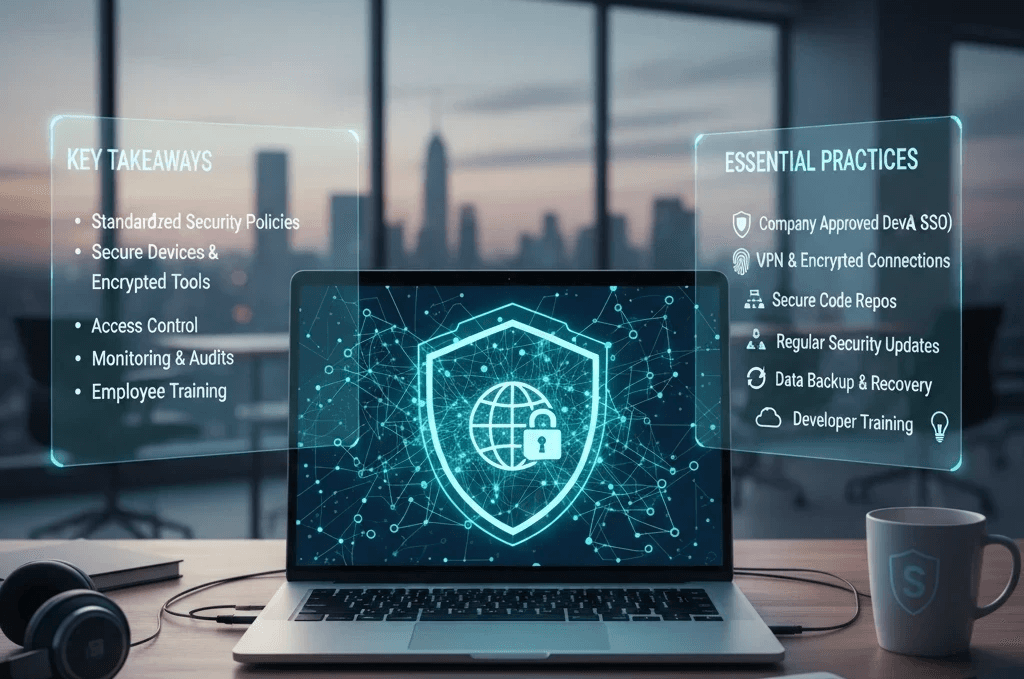
Key Takeaways
Remote teams require clear standardized security policies that everyone follows
Developers must use secure devices, encrypted tools, and protected networks at all times.
Access control and permission management are essential for preventing internal risks.
Regular monitoring, audits, and updates drastically reduce security vulnerabilities.
Employee awareness and training remain the strongest defense against breaches.
Use Company Approved Devices & Encrypted Storage
One of the biggest risks in remote work is developers using personal, unsecured devices. These laptops may lack updates, antivirus protection, or disk encryption. Ensure every team member works only on company approved or security configured systems. Encrypted storage protects data even if the device is stolen or compromised.
Enforce Secure Login Practices (MFA, SSO, Complex Passwords)
Weak login practices are an open invitation to cyber attacks. Remote teams should follow strict authentication protocols
Multi factor authentication (MFA)
Strong, frequently updated passwords
Single sign on (SSO) tools
This ensures that only verified users can access your development environment, even if credentials are leaked.
Use VPNs & Encrypted Connections for All Remote Work
When developers work from home, cafés, or coworking spaces, public networks expose your data to interception. A secure VPN encrypts all data traffic, making it unreadable to outsiders. Enforce company-wide usage of VPNs, especially when accessing servers, repos, or sensitive files.
Set Proper Access Controls Based on Role & Need
Every developer does not need access to everything. Granting unnecessary permissions increases risk significantly
Implement
Role Based Access Control (RBAC)
Limited admin accounts
Tiered permissions
This ensures that people only access what their job requires nothing more.
Secure Code Repositories & Use Private Branches
Your code is your company’s backbone, so protecting it is non negotiable. Always store your repositories in secure, company owned accounts. Avoid giving full repo admin rights to developers unless absolutely needed. Enable features like
Protected branches
Mandatory code reviews
Commit tracking
This helps prevent accidental leaks and unauthorized changes.
Conduct Regular Security Updates & Patch Management
Outdated software is one of the easiest entry points for attackers. Remote teams must update
Operating systems
IDEs
Browsers
Dependencies
Third party services
Create a routine schedule for updates to keep every device close to vulnerability free.
Implement Strong Data Backup & Recovery Plans
Hardware failures, cyberattacks, or accidental file deletions can happen anytime. Without backups, you risk losing weeks or months of progress. Set up
Automated nightly backups
Encrypted storage
Recovery testing
This guarantees your remote team can restore work quickly in case of emergencies
Educate & Train Developers on Security Best Practices
Even with the best tools, security fails when the team isn’t informed. Run training sessions on:
Phishing prevention
Social engineering risks
Safe browsing
Secure coding standards
Empowered, aware team members form the strongest defense line against cyber threats.
Educate & Train Developers on Security Best Practices
Even with the best tools, security fails when the team isn’t informed. Run training sessions on:
Phishing prevention
Social engineering risks
Safe browsing
Secure coding standards
Empowered, aware team members form the strongest defense line against cyber threats.
Educate & Train Developers on Security Best Practices
Even with the best tools, security fails when the team isn’t informed. Run training sessions on:
Phishing prevention
Social engineering risks
Safe browsing
Secure coding standards
Empowered, aware team members form the strongest defense line against cyber threats.
Conclusion
Remote development teams bring speed, talent, and innovation but only when backed by strong data security. By following a clear checklist, your team stays compliant, protected, and confident. Security isn’t just a technical responsibility; it’s a culture. And building that culture today saves your company from costly disasters tomorrow.
Conclusion
Remote development teams bring speed, talent, and innovation but only when backed by strong data security. By following a clear checklist, your team stays compliant, protected, and confident. Security isn’t just a technical responsibility; it’s a culture. And building that culture today saves your company from costly disasters tomorrow.
Conclusion
Remote development teams bring speed, talent, and innovation but only when backed by strong data security. By following a clear checklist, your team stays compliant, protected, and confident. Security isn’t just a technical responsibility; it’s a culture. And building that culture today saves your company from costly disasters tomorrow.
FAQ
Why is data security more important for remote teams?
Because remote environments expose data to multiple networks, devices, and locations, increasing vulnerability.
Should startups invest in VPNs for small remote teams?
Absolutely. VPNs are one of the most cost effective ways to secure data traffic.
Are personal devices safe for remote development work?
Not unless properly configured with encryption, antivirus, and company approved tools.
How often should remote developers update their systems?
At least weekly but immediate updates are required for security patches..
Who should control admin access in remote teams?
Only the CTO or a trusted senior engineer, never the entire team.
What is the simplest way to improve remote team security?
Start with strong login protection MFA + strong passwords + secure devices.
FAQ
Why is data security more important for remote teams?
Because remote environments expose data to multiple networks, devices, and locations, increasing vulnerability.
Should startups invest in VPNs for small remote teams?
Absolutely. VPNs are one of the most cost effective ways to secure data traffic.
Are personal devices safe for remote development work?
Not unless properly configured with encryption, antivirus, and company approved tools.
How often should remote developers update their systems?
At least weekly but immediate updates are required for security patches..
Who should control admin access in remote teams?
Only the CTO or a trusted senior engineer, never the entire team.
What is the simplest way to improve remote team security?
Start with strong login protection MFA + strong passwords + secure devices.
FAQ
Why is data security more important for remote teams?
Because remote environments expose data to multiple networks, devices, and locations, increasing vulnerability.
Should startups invest in VPNs for small remote teams?
Absolutely. VPNs are one of the most cost effective ways to secure data traffic.
Are personal devices safe for remote development work?
Not unless properly configured with encryption, antivirus, and company approved tools.
How often should remote developers update their systems?
At least weekly but immediate updates are required for security patches..
Who should control admin access in remote teams?
Only the CTO or a trusted senior engineer, never the entire team.
What is the simplest way to improve remote team security?
Start with strong login protection MFA + strong passwords + secure devices.