
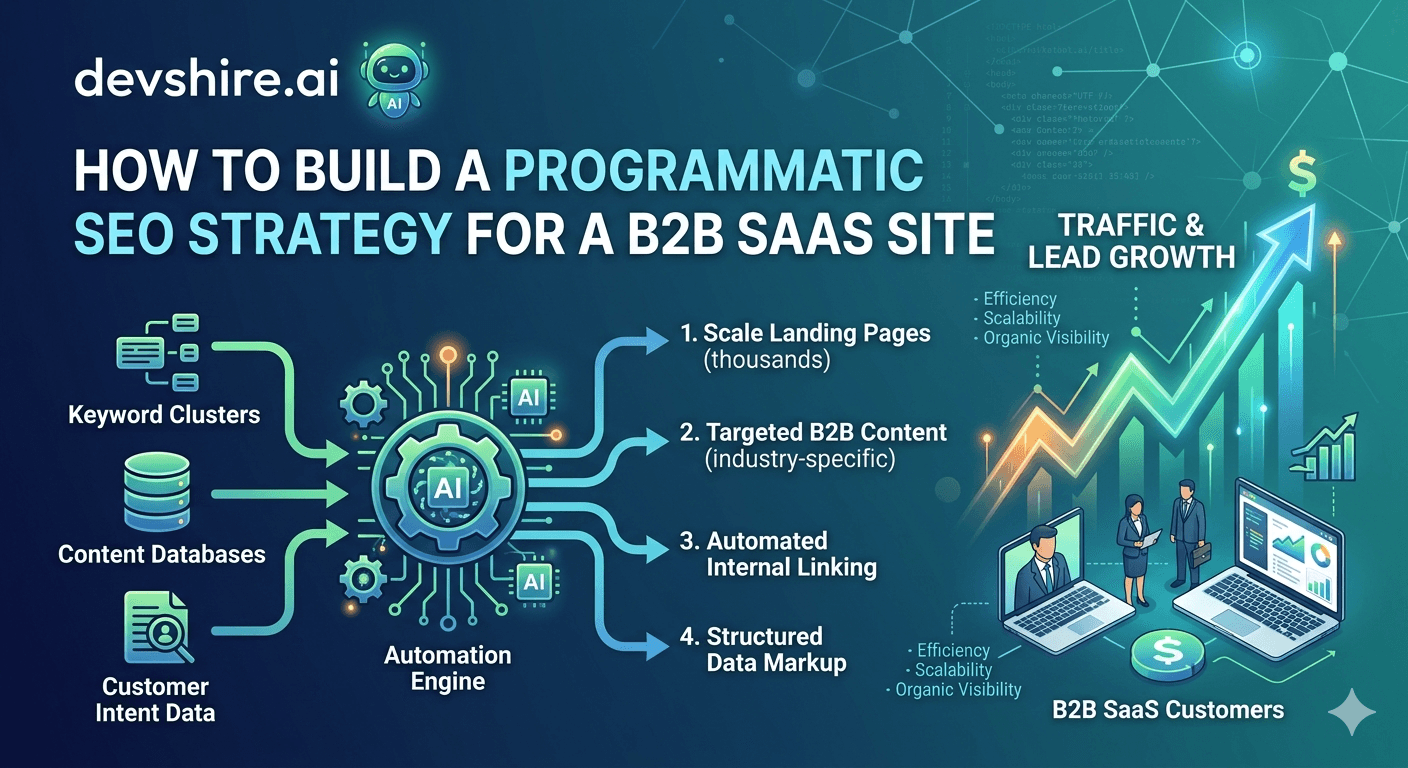
Notion ranks for thousands of template pages. Zapier ranks for tens of thousands of integration pages. G2 ranks for every software comparison query imaginable. These companies didn't write each page manually — they built a system that generates them at scale. That system is programmatic SEO. And if you're running a B2B SaaS company with a product that fits real search queries at scale, ignoring it means leaving significant organic traffic to competitors who aren't. But here's the part most guides skip: Google has gotten much better at identifying and suppressing thin programmatic content. The SaaS companies that execute this well and the ones that get their domain sandboxed are often separated by one decision: whether they built real value into the template or just generated keyword variations.
💡 TL;DR
Programmatic SEO for B2B SaaS means building page templates that generate hundreds or thousands of URL variations from structured data — think "[Product] vs [Competitor]", "[Integration] + [Use case]", or "[Job title] + [Problem]" pages. It works when the template genuinely serves user intent with real content. It fails and gets penalised when it's just keyword substitution with no substance. Start with your highest-intent template (usually vs/comparison pages), build 20–50 pages, validate indexing rate before scaling, then expand.
What Programmatic SEO Actually Is for a B2B SaaS Company
Programmatic SEO is the practice of building a page template and a structured data source, then generating a unique page for every valid combination. The key word is structured. You need a database of entities — competitors, integrations, use cases, industries, job titles — and a template that produces genuinely useful content for each combination.
It's not about generating content fast. It's about identifying query patterns your audience uses at scale and building a systematic answer to each one.
Template Type | Example | Volume Potential | Difficulty to Execute Well |
|---|---|---|---|
Comparison pages | [Your tool] vs [Competitor] | 5–50 pages | Low — easy to differentiate |
Integration pages | [Your tool] + [Integration] | 20–500 pages | Medium — needs real integration data |
Use case pages | [Your tool] for [Industry/Role] | 20–200 pages | Medium — needs audience specificity |
Location pages | [Service] in [City] | 100–10,000 pages | High — often too thin to index well |
Glossary/definition pages | [Industry term] definition | 50–500 pages | Medium — needs genuine depth |
For most B2B SaaS startups, comparison pages and integration pages are the highest ROI starting points. They have clear user intent, your product data is the content, and competition is usually weaker than editorial content.
Designing a Template That Actually Gets Indexed
The most common programmatic SEO failure at B2B SaaS companies is building a template where the only content that changes between pages is the keyword. Same copy, same structure, different word in the H1. Google identifies this pattern fast and stops indexing after the first few pages.
Your template needs meaningful variation between pages — not just different keywords but different data, different context, and ideally different structured content that's unique to each entity.
✅ A good comparison page template
For a "[Your product] vs [Competitor]" page, each page should include: a unique feature comparison table populated from real product data, actual pricing pulled from both products, specific use case guidance ("choose X if...", "choose Y if..."), and customer quotes or use cases specific to the comparison. None of this is the same across competitors — the data is genuinely different for each page.
✅ A good integration page template
For "[Your product] + [Integration]" pages, each page needs: a description of what the integration does (unique to the integration), the specific use cases it unlocks (varies by integration), setup instructions or a link to real docs, and the specific data that flows between the two products. This is genuinely different information for every integration — not keyword substitution.
❌ Templates that get suppressed
Any template where you could swap the entity name and the page would be 95% identical. "[Tool] is a great [category] tool" with one paragraph changed. Location + service pages where the only change is the city name. These are the patterns Google has specifically updated its quality systems to suppress.
Building the Data Source: This Is the Hard Part
Most programmatic SEO guides skip straight to templates and CMS setup. But the data source is where 80% of the actual work lives. And the quality of your data source determines the quality of every page generated from it.
1️⃣ Competitor data for comparison pages
Build a spreadsheet (or database) with accurate, up-to-date data for every competitor you're comparing against: pricing, key features, G2/Capterra rating, top integrations, target company size. This data needs to be maintained — stale competitor data is worse than no comparison page because it erodes trust when prospects check it.
2️⃣ Integration data for integration pages
Pull from your actual integration documentation or API. For each integration: what data syncs, what triggers are available, what use cases it enables, how to set it up. If your product genuinely integrates with 200 tools, you have 200 pages of real content already — you just need to structure and publish it.
3️⃣ Use case data for audience-specific pages
For "[Your product] for [Role/Industry]" pages, your data source is your knowledge of each segment: what problems they solve with your product, which features they use most, what their typical setup looks like. If you've done any customer interviews, this content already exists — it just hasn't been structured for programmatic publishing.
[INTERNAL LINK: AI SEO tools → devshire.ai/blog/best-ai-seo-tools-saas-startups-2026]
The Technical Implementation: CMS, Templates, and URL Structure
The technical side is more straightforward than most teams expect. Here's what you actually need.
🏗️ CMS or headless setup
Most SaaS companies use either a headless CMS (Contentful, Sanity) with a template layer, or a code-based approach with a static site generator (Next.js, Astro). The headless CMS route is faster to set up. The code-based route gives you more control over how data maps to page content. For under 500 pages, either works. Over 500, the code-based approach scales more cleanly.
🔗 URL structure
Use clean, descriptive slugs: /vs/competitor-name, /integrations/tool-name, /for/industry-name. Never generate URLs with query parameters — /page?competitor=toolname is bad for indexing. Keep the URL predictable so Google can crawl and index the full set efficiently.
🗺️ Sitemap and internal linking
Programmatic pages often get missed in indexing because they're not linked from anywhere. Add your integration and comparison pages to your main sitemap. Create index pages that link to all pages in each category (e.g., an "/integrations" hub that links to every integration page). Internal links from your high-authority editorial pages to your programmatic pages accelerate indexing.
[EXTERNAL LINK: Google's documentation on large-scale page generation → developers.google.com/search/docs/crawling-indexing/large-site-managing-crawl-budget]
Trusted by 500+ startups & agencies
"Hired in 2 hours. First sprint done in 3 days."
Michael L. · Marketing Director
"Way faster than any agency we've used."
Sophia M. · Content Strategist
"1 AI dev replaced our 3-person team cost."
Chris M. · Digital Marketing
Join 500+ teams building 3× faster with Devshire
1 AI-powered senior developer delivers the output of 3 traditional engineers — at 40% of the cost. Hire in under 24 hours.
Validate at 20 Pages Before You Build 2,000
This is the step most teams skip in their excitement to scale. Build 20–50 pages, wait 4–6 weeks, and check the indexing rate in Google Search Console before you generate 500 more. If Google is indexing 80–90% of your first batch, your template is working. If indexing rate is under 50%, something in your template or data source isn't meeting the quality bar.
Generating 2,000 pages on a broken template doesn't fix the template problem — it amplifies it. And getting a large batch of thin pages suppressed can impact your domain's overall performance, not just those specific pages.
In practice, this means: ship 20 comparison pages, check indexing in 6 weeks, measure any search traffic or ranking movement, then decide whether to scale. The data tells you whether the template is working before you commit to a 500-page build.
Maintaining Programmatic Pages Over Time
Programmatic pages go stale. Your competitor changes pricing. An integration gets deprecated. A customer case study becomes outdated. Stale data on a live page is worse for trust than no page — and "[Competitor] costs $X" that's wrong when a prospect checks it is a credibility problem, not just an SEO problem.
🔄 Build data refresh into your workflow
For comparison pages: review competitor data quarterly at minimum. For integration pages: pull updates from integration documentation when you detect API changes. For use case pages: review annually or after major product updates. The refresh cadence doesn't need to be automated — a quarterly 2-hour review of your top-traffic programmatic pages keeps the data trustworthy.
📊 Monitor which pages are actually driving traffic
Not all 200 integration pages will rank. Identify the top 20% that drive meaningful traffic and make those your maintenance priority. The long tail can stay on an annual review cycle. Don't spend equal time on pages generating 5 impressions per month and pages generating 5,000.
[INTERNAL LINK: growth dashboard → devshire.ai/blog/build-growth-dashboard-whole-team]
The Bottom Line
Programmatic SEO for B2B SaaS works when your template generates genuinely different content for each entity — not keyword substitution with the same copy.
Start with comparison pages and integration pages — they have clear user intent, your product data is the content, and they're harder for competitors to replicate.
The data source is 80% of the work. Build it before you touch templates. Stale or thin data produces stale, thin pages that don't index.
Validate at 20–50 pages before scaling. Check indexing rate in Search Console after 4–6 weeks. Under 50% indexing rate means the template needs fixing.
Clean URL structure matters:
/vs/competitor-namenot/page?competitor=name. Add programmatic pages to your sitemap and link to them from hub pages.Review competitor and integration data quarterly. Stale programmatic pages damage trust when prospects fact-check them — and they will.
Internal links from your editorial content to your programmatic pages accelerate indexing. Google finds pages through links — pages not linked from anywhere often don't get indexed.
Frequently Asked Questions
What is programmatic SEO for B2B SaaS?
Programmatic SEO is the practice of generating large numbers of pages from a template and structured data source — rather than writing each page manually. For B2B SaaS, this typically means comparison pages (your product vs competitors), integration pages (your product + each tool it integrates with), or use case pages (your product for each industry or role). It scales organic reach significantly when the template produces genuinely useful content for each variation.
Will Google penalise programmatic SEO pages?
Google penalises thin programmatic content — pages where only the keyword changes but the actual content is essentially identical across every URL. Google rewards programmatic content where each page genuinely serves user intent with real information. The distinction matters: comparison pages with actual feature and pricing data rank well. "[Tool] is a great [category] tool for [City]" with nothing else doesn't.
How many programmatic pages should I start with?
Start with 20–50 pages in your highest-confidence template, wait 4–6 weeks, and check your indexing rate in Google Search Console before scaling. If Google indexes 80%+ of your first batch and you start seeing impressions in GSC, your template is working. Scale from there. Generating 500+ pages before validating the template is a common mistake that wastes significant build time.
What's the best CMS for programmatic SEO?
For under 500 pages, a headless CMS like Contentful or Sanity with a template layer works well and is faster to set up. For over 500 pages or when you need tighter control over how data maps to page content, a code-based approach with Next.js or Astro scales more cleanly. Both approaches work — the choice depends on your team's technical setup and how much customisation you need per page type.
How long does it take for programmatic SEO pages to rank?
Comparison and integration pages on an established domain often see first indexing within 2–4 weeks and initial rankings within 6–12 weeks. On a newer domain, expect 3–6 months for meaningful rankings. The indexing speed depends heavily on your internal linking structure — pages not linked from your main navigation or sitemap can take much longer to be discovered and indexed.
Do I need a developer to build programmatic SEO?
Yes, for anything beyond basic template setups. The technical implementation — building the data pipeline, the template layer, URL routing, sitemap generation, and internal link structure — requires developer work. A focused developer can build a solid programmatic SEO system in 2–4 weeks. The ongoing maintenance is mostly non-technical (updating the data source), but the initial build and template changes need engineering. [INTERNAL LINK: finding the right developer → devshire.ai/blog/vetted-ai-developers-for-hire]
What's the difference between programmatic SEO and regular blog content?
Blog content is written manually, covers a topic in editorial depth, and is designed to rank for a single or small cluster of keywords. Programmatic SEO generates pages from data at scale, each targeting a specific entity-based query (competitor name, integration name, use case). Both are important for a complete SaaS SEO strategy — programmatic SEO covers systematic, entity-based queries; blog content covers informational and how-to queries that require genuine editorial treatment.
Build Your Programmatic SEO System With a Developer Who Gets It
devshire.ai matches SaaS teams with developers who can build programmatic SEO infrastructure — data pipelines, template layers, CMS integrations, and URL architecture that scales without getting suppressed. Shortlist in 48–72 hours.
Find Your SEO Developer at devshire.ai →
No upfront cost · Shortlist in 48–72 hrs · Freelance & full-time · Stack-matched candidates
About devshire.ai — devshire.ai connects SaaS teams with developers who build real growth infrastructure. Every candidate passes a live proficiency screen. Typical time-to-hire: 8–12 days. Start hiring →
Related reading: Best AI SEO Tools for SaaS Startups in 2026 · How to Use AI to Write 10x More Content · No-Code AI Startup Development · SaaS Product Roadmap Planning · How to Build a SaaS MVP Fast







Devshire Team
San Francisco · Responds in <2 hours
Hire your first AI developer — this week
Book a free 30-minute call. We'll match you with the right developer for your project and get you started within 24 hours.
<24h
Time to hire
3×
Faster builds
40%
Cost saved