
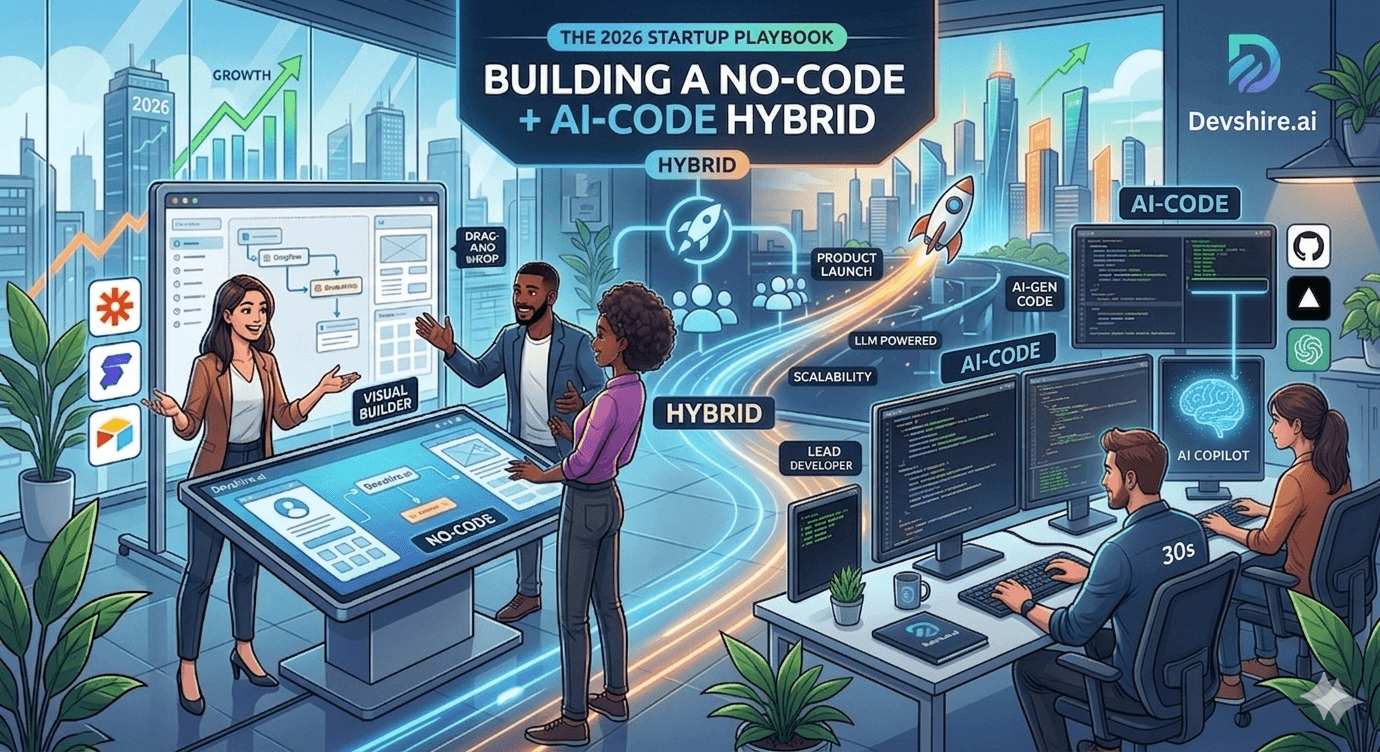
The no-code versus real-code debate is over in 2026. The answer is: both, in the right order. Startups that try to build everything on Bubble or Webflow hit walls at the wrong moment. Startups that write custom code from day one burn runway on infrastructure that no-code tools handle in an afternoon. The 2026 startup playbook is a hybrid: no-code for speed and validation, AI-assisted code for differentiation and scale. The hard part is knowing which layer goes where — and exactly when to switch.
💡 TL;DR
The 2026 hybrid startup development model: use no-code for marketing pages, internal tools, automations, and early MVP validation. Switch to AI-assisted code — Cursor, Claude, ChatGPT, v0 — when you hit no-code limits: performance ceilings, complex data relationships, custom integrations, or investor technical due diligence. Most startups should stay hybrid for longer than they think. The switch to full custom code should be triggered by a specific technical limitation, not by a developer's preference to rewrite.
What to Build With No-Code — And Why
No-code tools have improved dramatically in 2026. They are not toys. Used correctly, they cover a significant portion of early-stage startup product scope at a fraction of the time and cost of custom development.
Use Case | Best No-Code Tool | Time to Build | Limitation That Triggers Switch |
|---|---|---|---|
Marketing landing pages | Webflow | Hours | Complex CMS or custom integrations |
Internal admin tools | Retool or Appsmith | 1 to 3 days | Complex business logic or external API depth |
Workflow automations | n8n or Zapier | Hours to 1 day | High volume or complex conditional logic |
Early MVP for validation | Bubble | 1 to 3 weeks | Performance, complex data, or mobile requirements |
Customer onboarding flows | Typeform + Zapier | Hours | Custom branching or backend integration depth |
AI feature prototypes | Relevance AI or Voiceflow | Hours to 1 day | Production scale or custom model behaviour |
What Requires AI-Assisted Custom Code — Specific Triggers
The decision to write custom code should be driven by a specific technical limitation, not by a general preference. Here are the concrete triggers that mean no-code is no longer the right tool.
🔄 Trigger 1 — Multi-tenant data architecture
No-code tools handle single-tenant data reasonably well. Multi-tenant SaaS — where each customer's data must be isolated, their permissions independently configured, and their billing managed separately — quickly exceeds Bubble or Webflow capability. This is the single most common trigger to move from no-code to custom. Once you need row-level tenant isolation in your database, you need custom code.
🔄 Trigger 2 — Custom AI integration beyond prompt-and-respond
No-code AI tools like Relevance AI and Voiceflow are excellent for simple prompt-and-respond AI features. As soon as you need retrieval-augmented generation (RAG) with a custom vector store, function calling with your own database, or a multi-step agentic workflow — you need custom code. The Claude API and OpenAI API with LangChain or LlamaIndex are the right tools for this work.
🔄 Trigger 3 — Performance at scale
Bubble's performance ceiling is approximately 500 to 1,000 concurrent users before response times become unacceptable. If your product is growing and you are hitting page loads over 2 seconds under normal usage, the no-code layer is your bottleneck. This is a concrete, measurable trigger — not a vague feeling that you should rewrite.
🔄 Trigger 4 — Investor technical due diligence
Many institutional investors doing Series A technical due diligence will flag a Bubble-built production system as a risk. Not universally — some investors are comfortable with no-code for validated MVPs. But if your investor pipeline includes funds that will conduct a technical review, having a custom-code architecture with a clear migration plan (or already migrated) is important. This is a business trigger, not a technical one.
The Hybrid Build Workflow — What the Best Teams Actually Do
The highest-velocity startup teams in 2026 do not choose between no-code and custom code. They use both simultaneously for different layers of the product.
🏗️ No-code layer — marketing, admin, automations
Marketing pages stay in Webflow permanently — no reason to ever migrate them to custom code. Internal admin tools for customer management, billing overrides, and support queries stay in Retool. Workflow automations for onboarding emails, Slack notifications, and data syncs stay in n8n. These layers never move to custom code unless there is a specific functional limitation.
🏗️ AI-assisted code layer — core product and AI features
The core product — the thing customers pay for — is built with custom code using Cursor, Claude API, and ChatGPT. This is where the 2 to 3x AI speed multiplier matters most and where the no-code limitations would most constrain differentiation. React plus Node.js or Python FastAPI, with Claude API for AI features, Stripe for billing, and Clerk for auth.
🏗️ AI prototype layer — validate before building
Before building a custom AI feature, validate it with a no-code AI prototype. Relevance AI or Voiceflow can build a working proof-of-concept for a new AI feature in hours. Show it to 5 customers. If they respond positively, build the custom version with Claude API. If they do not, you have saved 1 to 2 weeks of developer time on a feature nobody wanted.
The Migration Question — When and How to Switch From No-Code to Custom
The migration from Bubble to a custom stack is one of the most common and most stressful moments in a startup's technical evolution. Here is how to do it without disrupting your product.
Do not do a big-bang rewrite. Migrate layer by layer, starting with the module that is hitting the most acute limitation. If the multi-tenant data model is the bottleneck, migrate the database and API layer first while keeping the Bubble frontend temporarily. If performance is the issue, migrate the frontend to Next.js while keeping the backend logic temporarily in Bubble's API workflows.
The AI-assisted migration: use Claude to analyse your Bubble data schema and generate an equivalent PostgreSQL schema with Prisma. Use Cursor to scaffold the API endpoints based on your Bubble workflows. Use ChatGPT to plan the migration sequence and identify the dependencies. A migration that used to take 3 to 4 months now takes 4 to 8 weeks with AI tools doing the schema translation and code scaffolding.
Trusted by 500+ startups & agencies
"Hired in 2 hours. First sprint done in 3 days."
Michael L. · Marketing Director
"Way faster than any agency we've used."
Sophia M. · Content Strategist
"1 AI dev replaced our 3-person team cost."
Chris M. · Digital Marketing
Join 500+ teams building 3× faster with Devshire
1 AI-powered senior developer delivers the output of 3 traditional engineers — at 40% of the cost. Hire in under 24 hours.
The Hybrid in Action — A Real Startup Timeline
A marketplace startup in the professional services space used this exact hybrid model through 2025. Months 1 and 2: Webflow marketing site, Bubble MVP for buyer and seller matching, Typeform for onboarding, Zapier for notifications. First 20 customers acquired on Bubble with zero custom code. Total build cost: $8,000 in no-code tool subscriptions and 3 weeks of a no-code developer's time.
Month 3: hit the multi-tenant data limitation. Began migration to Next.js plus Node.js FastAPI plus PostgreSQL — 2 AI-native developers from devshire.ai, 6 weeks of migration, $84,000 in developer cost. Webflow marketing site: stayed as-is. Retool admin: stayed. n8n automations: stayed. By month 4, the core product was running on custom code. The no-code layers were still running 18 months later without modification.
The Bottom Line
The best 2026 startup development model is hybrid: no-code for marketing pages, admin tools, automations, and early validation. AI-assisted custom code for the core product and AI features.
Move from no-code to custom code on specific triggers: multi-tenant data requirements, custom AI integration beyond prompt-and-respond, performance over 500 concurrent users, or investor technical due diligence.
Migrate layer by layer, not all at once. Marketing pages in Webflow and admin tools in Retool can stay no-code permanently. Core product data and API logic should move to custom code when the trigger is hit.
Use no-code AI tools (Relevance AI, Voiceflow) to validate AI features before investing custom development time with Claude API and LangChain.
AI tools cut migration time from Bubble to custom code from 3 to 4 months to 4 to 8 weeks. Claude handles schema translation, Cursor handles API scaffolding, ChatGPT handles migration sequencing.
A marketplace startup validated its first 20 customers entirely on no-code at a cost of $8,000. The migration to custom code cost $84,000 and happened only when the multi-tenant data limitation was hit — exactly the right sequence.
Frequently Asked Questions
Should a startup use no-code or custom code in 2026?
Both — in the right order and for the right layers. No-code is the right choice for marketing pages, internal admin tools, workflow automations, and early MVP validation. Custom code with AI tools is the right choice for the core product when it hits multi-tenant data requirements, custom AI integration, performance scale, or investor technical due diligence. The hybrid model is faster and cheaper than starting with full custom code from day one.
What are the limitations of Bubble for startup development?
Bubble's main limitations are performance at scale (degradation above 500 to 1,000 concurrent users), multi-tenant data architecture (not natively supported), complex AI integrations beyond prompt-and-respond workflows, and investor technical due diligence concerns at Series A. Below these thresholds, Bubble is a legitimate and fast tool for early-stage product development.
How long does it take to migrate from Bubble to a custom code stack?
With AI-native developers using Cursor for API scaffolding and Claude for schema translation, a typical Bubble-to-custom migration takes 4 to 8 weeks. Without AI tooling, the same migration typically takes 3 to 4 months. Migrate layer by layer starting with the module hitting the most acute limitation — not all at once.
Which no-code tools work best alongside AI-assisted development in 2026?
Webflow for marketing and landing pages (stays no-code permanently), Retool or Appsmith for internal admin tools, n8n or Zapier for workflow automations, Relevance AI or Voiceflow for AI feature prototyping. These tools integrate well with custom backends via APIs and webhooks, allowing the hybrid model to function without the no-code and custom layers conflicting.
Ready to Move From No-Code to AI-Assisted Custom Code?
Devshire.ai matches startups with AI-native developers experienced in no-code to custom migrations and hybrid product architectures. Every developer is pre-vetted on Cursor, Claude API, and real full-stack product builds. Shortlist in 48 to 72 hours — we match based on your stage and migration scope.
Find Your Migration Developer ->
Migration specialists available · AI-toolchain vetted · Shortlist in 48 hrs · Freelance and full-time
About devshire.ai — devshire.ai matches startups with AI-native developers experienced in hybrid development models and no-code to custom migrations. Start hiring ->
Related reading: Best Tech Stack for Startups in 2026 · From Idea to Launch: Building Your First Startup App With AI Tools · How to Scale From MVP to 10K Users Without Rebuilding · Browse Pre-Vetted Full-Stack Developers







Devshire Team
San Francisco · Responds in <2 hours
Hire your first AI developer — this week
Book a free 30-minute call. We'll match you with the right developer for your project and get you started within 24 hours.
<24h
Time to hire
3×
Faster builds
40%
Cost saved