
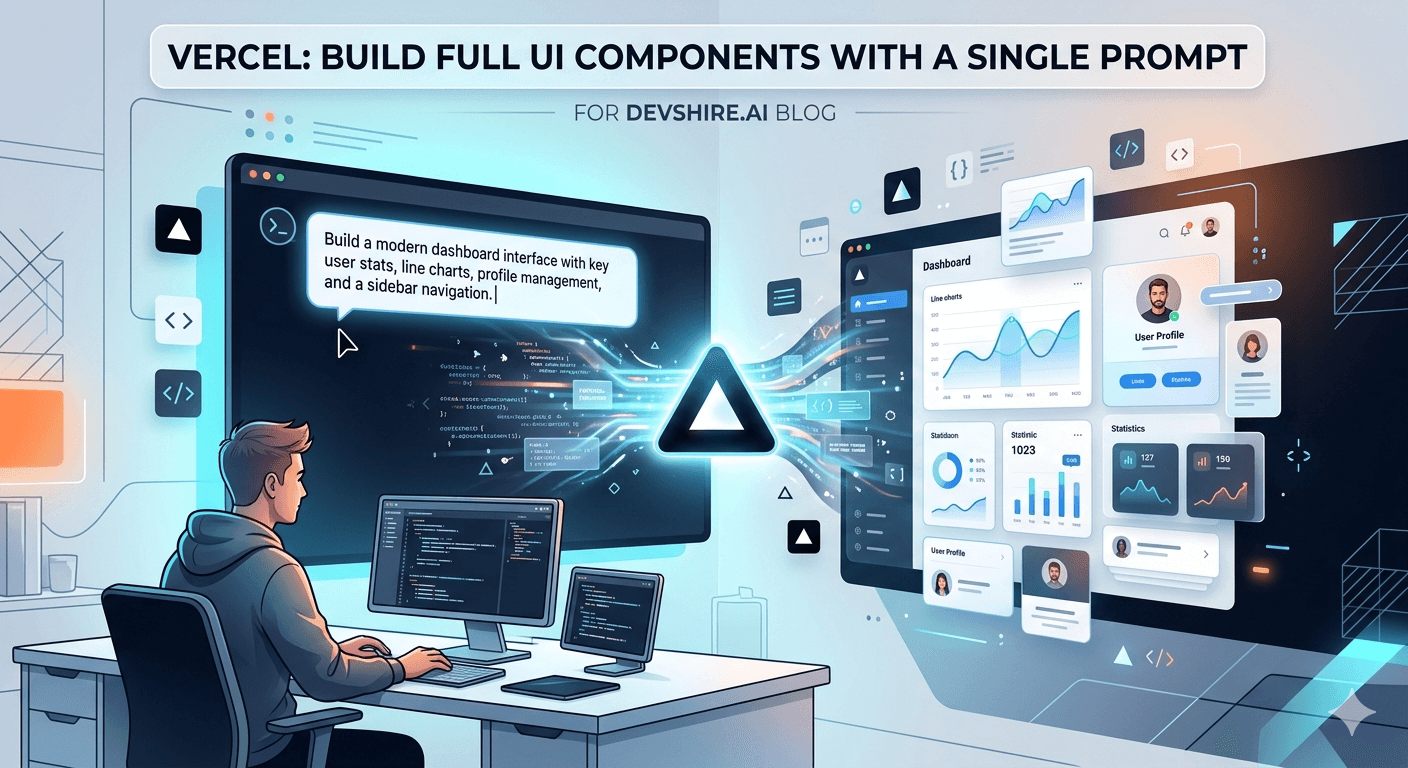
v0 by Vercel generated a complete, working dashboard UI — sidebar navigation, data table, stat cards, and a chart — from a single 40-word prompt in about 8 seconds. That's not a demo. That was a real product team at a B2B analytics startup, and they used the output as the starting point for their MVP front-end. Two weeks later, 60% of that generated code was still in production. The v0 Vercel AI UI builder doesn't replace a frontend developer. But for getting from zero to something real in under 10 minutes, nothing else is close.
💡 TL;DR
v0 by Vercel is a prompt-to-UI tool that generates React components with Tailwind CSS and shadcn/ui from plain-English descriptions. It's free to start, outputs copy-pasteable code, and integrates directly into Next.js projects. It's best for: scaffolding dashboards, landing page sections, data tables, forms, and marketing components. It's weakest on: complex interactivity, custom design systems, and anything requiring real API integration. Think of it as a first-draft tool — not a finished-product tool. But that first draft saves 2–4 hours per component.
What v0 Is — and What It Isn't
v0 is not a website builder. It doesn't produce a full site from a brief. It generates individual React UI components from a text description — then lets you iterate on them through follow-up prompts until the output matches what you need.
The output is real code. React with TypeScript, Tailwind CSS classes, and shadcn/ui components. You copy it, paste it into your project, and it works — assuming your project uses the same stack. That's the important qualifier we'll come back to.
v0 Does Well | v0 Struggles With |
|---|---|
Static and semi-static layouts | Complex state management |
Forms with basic validation UI | Custom design system tokens |
Data tables and dashboard cards | Real-time data connections |
Marketing sections and landing pages | Multi-step animated flows |
Navigation patterns | Anything beyond shadcn/ui components |
The pattern is simple: static structure = strong. Dynamic behavior = weak. Once you accept that scope, v0 becomes extremely useful. Fighting against it wastes time.
Prompting v0 Effectively: What Changes Everything
Most developers use v0 like a search engine — short, vague query, then frustration at the result. That's not how it works. v0 responds to specificity. The more concrete your description, the closer the output is to what you actually want.
Here's the same component request at two levels of specificity:
⚠️ Vague prompt (slow path)
"Make a user profile card." — Result: a generic card with avatar, name, and a button. Generic layout, generic styling, 80% of it needs rewriting.
✅ Specific prompt (fast path)
"Create a user profile card component with: avatar (circular, 64px), full name in 18px semibold, role/title in gray-500, three stat boxes showing Posts, Followers, Following in a row, and an Edit Profile button using the primary color. Use Tailwind and shadcn. Mobile-responsive." — Result: something close to production-ready in the first pass.
The rule: describe layout, element sizes, colors, spacing relationships, and responsive behavior explicitly. v0 can't read your mind — but it's excellent at translating precise descriptions into code.
The v0 Iteration Workflow That Saves the Most Time
v0 is designed for iteration. Don't try to get the perfect output in one prompt. Get something directionally correct, then refine in follow-up messages in the same session. This is faster than editing the generated code directly — at least for the first 3–4 refinements.
Start broad-ish: Describe the component with 5–8 specific details. Don't try to specify everything upfront.
Evaluate what rendered: Look at the preview. Note the 2–3 things that are most wrong.
Fix the biggest issue first: "Move the action buttons to the bottom right. Change the table header background to slate-900. Remove the border from individual cells." One message, 2–3 changes max.
Repeat: Two or three iterations usually gets you to 90% of what you want.
Export and finish in code: The remaining 10% is usually detail-level customisation that's faster to do manually in your editor.
The mistake is trying to perfect the prompt before sending it. That's slower than the iteration loop above. v0 is cheap to iterate — use that.
Integrating v0 Output Into a Next.js Project
v0 is built by Vercel, which means its output is optimised for Next.js projects. Integration is genuinely straightforward — but only if your project uses the right dependencies. Here's the setup:
📦 Required dependencies
Your project needs Tailwind CSS and shadcn/ui installed. If you don't have shadcn/ui set up, run: npx shadcn-ui@latest init. v0 outputs code that imports from shadcn's component library — without it, the imports will fail.
📋 Copy the component code
In the v0 interface, click "Code" to see the raw component. Copy it. Create a new file in your /components directory. Paste. Check the import statements — v0 sometimes imports shadcn components you haven't installed yet. Install missing ones with npx shadcn-ui@latest add [component-name].
🔌 Wire up real data
v0 uses hardcoded placeholder data. Replace static arrays and strings with your actual data sources — props, React Query hooks, server actions, etc. This is the step that requires developer judgment. v0 builds the structure; you connect the data layer.
⚠️ Not using Next.js or shadcn/ui?
v0's output still works in any React project, but you'll need to manually convert Tailwind classes to your CSS approach and replace shadcn components with your equivalents. Add 30–60 minutes per component for adaptation. For teams not using Tailwind + shadcn, the ROI of v0 drops significantly.
Trusted by 500+ startups & agencies
"Hired in 2 hours. First sprint done in 3 days."
Michael L. · Marketing Director
"Way faster than any agency we've used."
Sophia M. · Content Strategist
"1 AI dev replaced our 3-person team cost."
Chris M. · Digital Marketing
Join 500+ teams building 3× faster with Devshire
1 AI-powered senior developer delivers the output of 3 traditional engineers — at 40% of the cost. Hire in under 24 hours.
Real Use Cases Where v0 Shines
Stop using v0 for everything. Use it specifically for the component types where it's genuinely strong — and use Cursor or manual coding for the rest.
Dashboards and admin panels are v0's best use case. Describe the layout — sidebar, header, stat cards, main content area — and you'll get a fully structured dashboard in one prompt. Connecting real data takes additional work, but the layout and styling scaffold saves 3–5 hours.
Landing page sections are close behind. Hero sections, feature grids, pricing tables, FAQ accordions, testimonial carousels — v0 handles all of these well. A full landing page from sections takes about 30 minutes of prompting and iteration.
Data tables with sorting indicators, pagination controls, and empty states are another strong suit. v0 generates clean table structures that would take 45–90 minutes to build from scratch.
Where it consistently underperforms: anything with complex form validation UX, multi-step wizards, drag-and-drop interfaces, or custom animation sequences. For those, you're faster building from scratch in Cursor.
v0 vs Alternatives: Locofy, Builder.io, and Manual Code
v0 isn't the only prompt-to-UI tool. Here's how it compares to the main alternatives in 2026:
Tool | Output Format | Best For | Stack Lock-In |
|---|---|---|---|
v0 by Vercel | React + Tailwind + shadcn | Next.js projects, component scaffolding | High (shadcn/Tailwind) |
Locofy | React/Next/React Native from Figma | Design-to-code from existing Figma files | Medium (needs Figma) |
Builder.io AI | Visual + code, multi-framework | Marketing sites, CMS-connected content | Medium |
Cursor + prompt | Any stack | Custom patterns, full context awareness | None |
Cursor wins on flexibility. v0 wins on speed for the specific use case of component scaffolding in a Tailwind + shadcn project. They're not competing tools — they handle different stages of the work. Use v0 to scaffold structure, use Cursor to integrate it into your real codebase.
v0 Pricing and Usage Limits
v0 has a free tier that gives you a monthly allocation of credits. Each generation and iteration costs credits. The free tier is enough for occasional use — maybe 10–15 component generations per month.
The paid plans start at around $10–20/month and give substantially more monthly credits. For a developer actively using v0 as part of their workflow on a real project, the free tier runs out within a few days. The paid tier is worth it if you're building multiple components per week.
One thing most developers miss: you can regenerate with a different variation using the same prompt without using extra credits by clicking "Remix" on an existing generation. When you're comparing layout options, always use Remix before generating something net-new.
Before You Ship v0-Generated Components
v0 output isn't production-ready by default. Here's the checklist every developer should run before shipping a v0-generated component:
♿ Accessibility check
v0 adds some ARIA attributes but doesn't consistently handle keyboard navigation, focus management, or screen reader announcements. Run through the component with keyboard-only navigation before shipping. Interactive elements — dropdowns, modals, tooltips — almost always need accessibility fixes.
📱 Mobile breakpoint test
v0 generates Tailwind responsive classes, but they're not always correct for every viewport. Test at 375px, 768px, and 1280px minimum. Dashboard layouts in particular often need breakpoint adjustments.
🔒 Input sanitisation
Any form or input component generated by v0 needs your validation layer added. v0 generates the UI structure — it doesn't add sanitisation, rate limiting, or server-side validation. Add these before any form goes live.
How AI-Native Developers Use v0 in Real Projects
The developers who get the most from the v0 Vercel AI UI builder treat it as the scaffolding layer, not the finished product. They use it to eliminate the blank-canvas problem — getting a structural starting point in under 10 minutes — then switch to Cursor for integration, customisation, and connecting real data.
At devshire.ai, developers in the network who work on frontend-heavy projects are screened for exactly this kind of multi-tool fluency. Using v0 effectively is a judgment skill: knowing when it saves time, when it doesn't, and how to adapt its output for a production codebase.
If you need a developer who can scaffold a UI in minutes and ship production-quality code from it, that's a specific profile. It's also the profile we've pre-screened for.
The Bottom Line
v0 by Vercel generates React components with Tailwind CSS and shadcn/ui from plain-English prompts. For the right stack and use case, it saves 2–4 hours per component.
Specificity in prompts is the single biggest lever. Vague prompts produce generic output. Detailed prompts with layout, sizing, and color specifics produce near-production-ready output.
Use the iteration loop: generate, note the 2–3 biggest problems, fix them in a follow-up, repeat 2–3 times, then finish the last 10% in your editor.
v0 requires Tailwind CSS and shadcn/ui in your project. Without those dependencies, integration takes significantly longer. Non-Tailwind projects should evaluate the ROI before committing to v0.
Always check accessibility, mobile breakpoints, and input sanitisation on any v0-generated component before shipping. These are systematically weak in the generated output.
v0 and Cursor are complementary. v0 for scaffolding structure fast. Cursor for integrating it into a real codebase with context awareness.
The free tier works for occasional use. If you're generating 10+ components per week, the paid tier at ~$10–20/month pays for itself quickly.
Frequently Asked Questions
What is v0 by Vercel?
v0 is an AI UI builder by Vercel that generates React components from plain-English prompts. It outputs React code using Tailwind CSS and shadcn/ui components. You describe what you want — a dashboard, a form, a data table — and v0 generates a working component you can copy into your project. It's designed for Next.js projects but works with any React setup that uses Tailwind and shadcn.
Is v0 free to use?
v0 has a free tier with a monthly credit allocation. Each generation and iteration uses credits. The free tier is enough for occasional use — roughly 10–15 component generations per month. For developers using v0 actively on a real project, the paid plans at approximately $10–20/month provide substantially more credits and are worth the cost.
Does v0 work with frameworks other than Next.js?
Yes, but with caveats. v0 outputs standard React components — they'll work in any React project. The complication is the dependencies: the generated code uses Tailwind CSS classes and shadcn/ui component imports. If your project doesn't use those, you'll need to manually adapt the output. For Vite + React + Tailwind projects, integration is smooth. For projects using different UI libraries, plan for extra adaptation time.
How does v0 compare to building components manually?
For static and semi-static layouts — dashboards, landing page sections, data tables, forms — v0 is 3–5× faster than building from scratch. For complex interactive components with deep state management, custom animations, or domain-specific logic, manual development in Cursor is usually faster because v0's output requires so much reworking. The rule: if you can describe the layout precisely in a prompt, v0 saves time. If the complexity is in the behavior, not the layout, build it yourself.
Need Frontend Developers Who Ship Fast With AI Tools?
devshire.ai pre-screens developers for real AI toolchain proficiency — including v0, Cursor, and full Next.js + React workflows. Get a shortlist of developers who can scaffold a UI in minutes and ship production code from it. Freelance and full-time options. Shortlist in 48–72 hours.
Find AI-Native Frontend Developers →
No upfront cost · Shortlist in 48–72 hrs · Freelance & full-time · Stack-matched candidates
About devshire.ai — devshire.ai matches AI-powered engineering talent with product teams. Every developer has passed a live AI proficiency screen covering tool use, output validation, and codebase review. Freelance and full-time options. Typical time-to-hire: 8–12 days. Start hiring →
Related reading: How to Set Up Cursor AI for a React Project in Under 10 Minutes · Best AI Coding Assistants of 2026 — Ranked · Best Tech Stack for Startups in 2026 (React + Node.js + AI) · From Idea to Launch: Building Your First Startup App With AI Tools · Browse Pre-Vetted Frontend Developers — devshire.ai Talent Pool
📊 Stat source: Vercel Blog — v0 Launch and Updates
🖼️ Image credit: v0.dev by Vercel
🎥 Video: Fireship — "v0 by Vercel is MIND BLOWING" (1.5M+ views)







Devshire Team
San Francisco · Responds in <2 hours
Hire your first AI developer — this week
Book a free 30-minute call. We'll match you with the right developer for your project and get you started within 24 hours.
<24h
Time to hire
3×
Faster builds
40%
Cost saved