
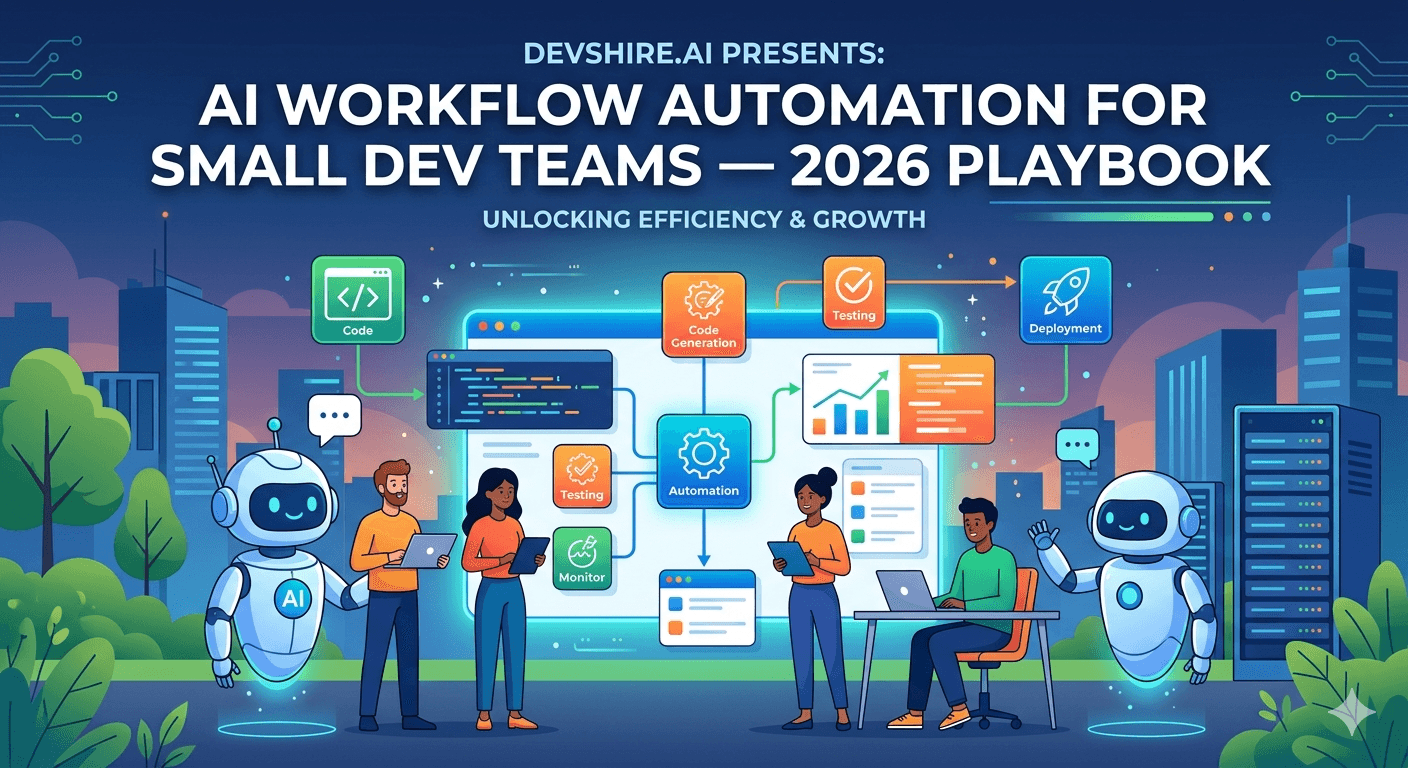
A 2-developer team at a fintech SaaS shipped 23 features in Q1 2026. Their previous best was 14 in a quarter. The difference wasn't hiring — team size stayed the same. It was a deliberate restructuring of their development workflow around AI tooling: Cursor for coding, Claude for PR reviews and architecture decisions, GitHub Actions with AI steps for automated QA, and a set of prompt templates that turned previously vague tasks into structured, executable work. Fourteen features became 23 without a single new hire.
💡 TL;DR
AI workflow automation for small dev teams in 2026 is not about replacing developers — it's about eliminating the 40–50% of development time that isn't writing product code: PR review cycles, spec clarification, boilerplate scaffolding, manual testing of edge cases, and the documentation nobody writes. Teams that systematically automate these workflows ship 40–60% more features per developer per quarter. The tools cost $30–$80 per developer per month. The ROI is not debatable.
Where Dev Time Actually Goes — And What AI Can Take Back
Most developers think they spend most of their time writing code. Studies consistently show something different. A 2024 McKinsey analysis of developer time allocation found that the average developer spends only 30–35% of their working time on actual code writing. The rest goes to meetings, code review, context-switching, debugging, documentation, and waiting for feedback.
AI workflow automation targets the non-coding 65–70%. Not to eliminate it entirely — some of it is genuinely valuable — but to compress the parts that consume time without requiring deep expertise.
Activity | % of Dev Time (typical) | AI Automation Potential | Tools |
|---|---|---|---|
Code writing and implementation | 30–35% | 2–3x faster with Cursor + Claude | Cursor, GitHub Copilot, Claude |
Code review | 15–20% | First-pass automated, human reviews exceptions | Claude PR bot, CodeRabbit |
Debugging and bug investigation | 15–20% | AI-assisted root cause analysis | Claude in IDE, Sentry AI |
Writing tests | 10–15% | 80% automated from code context | Cursor, Claude, Copilot |
Documentation | 5–10% | Auto-generated from code and PRs | Claude, Mintlify |
Meetings and alignment | 15–20% | AI meeting notes reduce follow-up | Granola, Otter.ai |
[EXTERNAL LINK: McKinsey developer productivity research → mckinsey.com/capabilities/mckinsey-digital/our-insights/yes-you-can-measure-software-developer-productivity]
The Cursor Workflow That Small Teams Actually Use
Cursor is the IDE. Not a plugin. Not an add-on to VS Code. The mental model shift from "I use VS Code with Copilot" to "I work in Cursor" changes how developers interact with AI tooling in their daily workflow.
The specific workflows that compound over time:
⚡ Multi-file feature scaffolding in one prompt
Open the relevant files (API route, service layer, database schema, test file) and give Cursor a feature description. It scaffolds all four files simultaneously with consistent naming, imports, and structure. A developer then reviews and refines. What used to take 90 minutes of blank-canvas work takes 15 minutes of editing and refinement. The scaffolding is not the hard part — the domain logic and edge cases are. Cursor handles the scaffolding; developers handle the actual product thinking.
⚡ Inline test generation from implementation
After writing a function, select it and ask Cursor to generate unit tests covering happy path, edge cases, and error conditions. It reads the function and generates tests with appropriate mocking. Review and add the cases it missed — there are usually 2–3. This workflow covers 80% of test writing time. The remaining 20% is the edge cases that require domain knowledge to even identify.
⚡ Debugging with full codebase context
Paste the error stack trace and ask Cursor to find the root cause across the relevant files. It traces the call chain, identifies the source, and suggests the fix. Not every suggestion is right — but it's usually right about where the problem is, which is 70% of debugging time. Most people spend longer finding the bug than fixing it. Cursor compresses the finding.
The AI PR Review Bot — 2 Days to Build, Permanent Time Return
Manual code review is the biggest workflow bottleneck in small dev teams. One developer blocks another waiting for review. The reviewer rushes because they have their own work. Critical issues get through. The AI PR review bot doesn't replace human review — it handles the first pass so human reviewers focus on architecture, business logic, and the things that actually require judgment.
Build It in 2 Days With GitHub Actions and Claude
The review script calls Claude with the PR diff and a system prompt defining what to look for: security issues (missing auth checks, potential injections), logic errors, missing error handling, and obvious performance problems. It posts a structured comment on the PR within 2–3 minutes of opening.
What this catches consistently: missing input validation, API endpoints without auth middleware, database queries without proper indexing on filter columns, and error handlers that swallow exceptions silently. These are exactly the issues that slip through manual review when the reviewer is distracted or in a hurry.
[INTERNAL LINK: SaaS security best practices → saas-security-best-practices]
The Prompt Library — Turning Vague Tasks Into Executable Work
One thing small teams don't discuss enough: a shared prompt library that every developer uses for recurring tasks. Not prompt engineering for its own sake — a practical collection of prompts that produce reliable output for common development workflows.
Here are the prompts that generate the highest consistent value across small SaaS teams:
📝 Spec-to-task breakdown prompt
"You are a senior SaaS developer. Take the feature spec below and break it into specific development tasks. For each task: describe what to build, which files to create or modify, the acceptance criteria, and an estimate in hours. Flag any dependencies or ambiguities that need clarification before work starts. Format as a numbered list. Spec: [paste spec]" — This prompt turns a vague feature description into a Jira-ready task list in 3 minutes.
📝 Database schema design prompt
"Design a PostgreSQL schema for [feature description]. Include all tables, columns with types and constraints, foreign keys, indexes for expected query patterns, and any junction tables for many-to-many relationships. Add comments explaining non-obvious design decisions. Output as SQL CREATE TABLE statements." — Produces a 90% correct schema that the developer reviews and refines. What used to take an hour of whiteboarding takes 10 minutes.
📝 Architecture decision record (ADR) prompt
"Write an Architecture Decision Record for the following decision: [decision description]. Include: context (why this decision is needed), options considered with pros and cons of each, the chosen option with reasoning, and consequences — what becomes easier and what becomes harder as a result. Format as a structured document." — ADRs that nobody writes because they take too long now get written because they take 5 minutes.
Trusted by 500+ startups & agencies
"Hired in 2 hours. First sprint done in 3 days."
Michael L. · Marketing Director
"Way faster than any agency we've used."
Sophia M. · Content Strategist
"1 AI dev replaced our 3-person team cost."
Chris M. · Digital Marketing
Join 500+ teams building 3× faster with Devshire
1 AI-powered senior developer delivers the output of 3 traditional engineers — at 40% of the cost. Hire in under 24 hours.
The Full AI Workflow Stack for Small Dev Teams in 2026
Here's the complete tooling picture, with honest cost and role clarity. This is what a fully AI-augmented 2-3 person dev team runs in 2026.
Tool | Role in Workflow | Monthly Cost | Skip If… |
|---|---|---|---|
Cursor (Business) | Primary IDE with AI — multi-file context, inline generation, debugging | $40/dev | Never — this is the foundation |
Claude Pro | Architecture planning, long document review, complex reasoning tasks | $20/dev | If Cursor's Claude integration covers your use cases |
GitHub Copilot | Secondary inline suggestion (some teams run both Cursor + Copilot) | $19/dev | If Cursor is your primary — Copilot is redundant for most |
CodeRabbit or Claude PR bot | Automated first-pass code review on every PR | $15–$24/dev | If team is under 2 developers with no review bottleneck |
v0 by Vercel | React component generation from text description | Free to $20/dev | If your product is not React-based |
Granola or Otter.ai | AI meeting notes and action item extraction | $10–$18/user | If you run very few external meetings |
Total for a fully equipped 2-developer team: $130–$210/month. In return: 40–60% more feature output. This is not a marginal gain. At $100,000+ developer salaries, $200/month in tooling that recovers 40% productivity is the highest-ROI spend in your entire budget.
Honestly — the teams that resist this spend are the ones who don't track output per developer per sprint. The teams that measure it adopt it fast.
[INTERNAL LINK: automate startup backend processes → automate-startup-backend-ai]
[EXTERNAL LINK: Cursor AI documentation → cursor.com/docs]
The Bottom Line
The average developer spends only 30–35% of their time writing code. AI workflow automation targets the other 65–70% — review cycles, test writing, documentation, and task breakdown.
An AI PR review bot built on GitHub Actions and Claude costs 2 days to build and consistently catches missing auth checks, swallowed exceptions, and missing input validation on every PR — the exact issues that slip past rushed human reviewers.
A fully equipped 2-developer AI-native team (Cursor, Claude Pro, CodeRabbit, v0) costs $130–$210/month in tooling. Teams that track feature output per sprint consistently report 40–60% more features shipped per developer per quarter.
Build a shared prompt library for recurring tasks: spec-to-task breakdown, database schema design, and architecture decision records. These prompts turn vague work into structured, executable tasks in minutes rather than hours.
Cursor's multi-file context is the workflow multiplier that matters most. Using it as your primary IDE — not as a VS Code plugin — changes how you interact with AI throughout the development day.
The teams that don't adopt AI workflow automation are the ones that don't measure developer output per sprint. Measure first. The numbers will make the adoption decision for you.
Frequently Asked Questions
What is AI workflow automation for development teams?
AI workflow automation for dev teams is the systematic use of AI tools to handle the parts of the development process that don't require deep engineering judgment — first-pass code review, test generation from existing code, boilerplate scaffolding, documentation generation, and task breakdown from feature specs. The goal is not to replace developers but to give them back the 40–50% of their time currently consumed by work that AI handles reliably at 80–90% quality.
What AI tools should a small dev team use in 2026?
The core stack: Cursor as your primary IDE (not VS Code with a plugin — Cursor itself), Claude Pro for architecture planning and complex reasoning, a PR review bot (CodeRabbit or a custom GitHub Actions implementation), and v0 by Vercel for React component scaffolding. This stack costs $130–$210 per developer per month and delivers 40–60% more feature output per developer per quarter in teams that track it. GitHub Copilot is redundant if you're using Cursor fully — don't pay for both.
How do I set up an AI code review bot for my dev team?
Build it on GitHub Actions. On pull_request events, extract the PR diff, send it to Claude with a review system prompt defining what to check (security gaps, missing error handling, logic errors, performance issues), and post the result as a PR comment. The full implementation takes 2 days. The value is immediate: every PR gets a first-pass review within 3 minutes of opening, reducing the bottleneck of waiting for a human reviewer while ensuring consistent coverage of common issues.
Does AI workflow automation actually improve developer productivity?
Yes — measurably, when teams track it. McKinsey's 2024 developer productivity research documented that AI-augmented developer teams ship 40–60% more features per quarter than comparable teams without AI tooling. GitHub's 2022 Copilot study found developers completed tasks 55% faster with AI assistance. The teams that don't see these gains are typically using AI as an occasional tool rather than as a systematic part of every development workflow. Systematic adoption matters more than occasional use.
What is Cursor and how is it different from GitHub Copilot?
Cursor is an AI-native IDE built on the VS Code codebase. GitHub Copilot is a plugin that adds AI suggestions to your existing IDE. The practical difference: Cursor has multi-file context awareness — it understands your entire codebase structure when generating code, not just the file you're currently editing. This lets Cursor scaffold entire features across multiple files simultaneously. Copilot autocompletes within the current file context. Both are useful, but Cursor's architecture makes it substantially more powerful for large feature work.
How do I build a prompt library for my development team?
Start by listing the recurring tasks where your team writes prompts from scratch each time: spec breakdowns, schema design, test generation, documentation, code review requests, and debugging requests. Write one canonical prompt for each. Test it with 5 real examples and refine until the output is consistently usable. Store the prompt library in a shared Notion page, a GitHub repo, or a tools like PromptLayer. Run a 30-minute team session to walk through the library and adopt it. Update it when you discover better versions through daily use.
What tasks should AI not handle in a development workflow?
Architecture decisions that have major long-term consequences (AI can analyse options, but humans decide), security design for sensitive systems (AI review catches common issues, not novel attack vectors), product strategy (what to build and why), team-level judgment calls on trade-offs, and any task where the output will be shipped to production without human review. AI workflow automation works best as a force multiplier for experienced developers — not as a replacement for developer judgment on decisions that matter.
How much time can AI workflow automation save a small dev team per week?
For a 2-3 person dev team fully adopting the stack in this guide: 8–15 hours per week recovered across the team. Specifically: 3–4 hours from faster code generation and scaffolding, 2–3 hours from automated first-pass PR reviews, 1–2 hours from AI-assisted debugging, 1–2 hours from automated test generation, and 1–2 hours from documentation and task breakdown. These are conservative estimates from teams that track sprint velocity before and after adoption. The actual recovery depends on how much of the workflow is systematically automated versus used occasionally.
Hire Developers Who Are Already Running This Stack
Devshire.ai pre-vets developers on real AI toolchain use — Cursor workflows, Claude API integrations, PR automation, and the habits that separate genuinely AI-native developers from developers who list tools they've tried once. Shortlist in 48–72 hours.
Find Your AI-Native Developer ->
Cursor + Claude vetted · Small team specialists · Shortlist in 48 hrs · Median hire in 11 days
Related reading: Automate Your Startup Backend With AI and Node.js · Add AI Features to Your SaaS Without an ML Team · Best Tech Stack for Startups in 2026
Stats source: [EXTERNAL LINK: McKinsey developer productivity research → mckinsey.com/capabilities/mckinsey-digital/our-insights]
Related image: Cursor IDE multi-file context screenshot — cursor.com/features
Related video: "My AI Development Workflow in 2026" — Theo (t3.gg) YouTube channel (300K+ subscribers)







Devshire Team
San Francisco · Responds in <2 hours
Hire your first AI developer — this week
Book a free 30-minute call. We'll match you with the right developer for your project and get you started within 24 hours.
<24h
Time to hire
3×
Faster builds
40%
Cost saved