
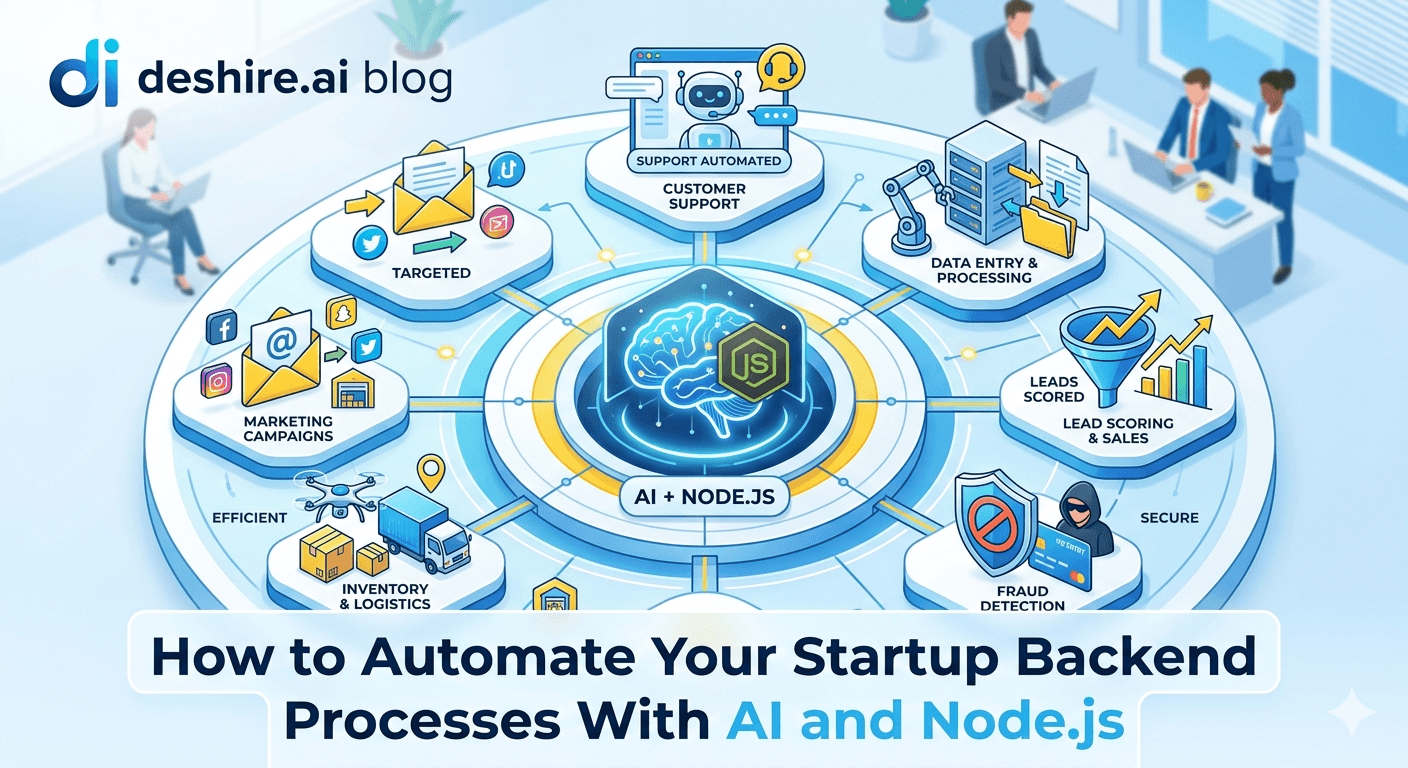
A 3-person SaaS team was spending 14 hours per week on tasks that looked like work but weren't: manually triaging support tickets, running the same database reports every Monday, copy-pasting data between systems, and chasing failed background jobs that nobody had set up alerts for. Fourteen hours. That's one full-time developer every week, consumed by tasks that a Node.js script with a Claude API call could handle in under 100 lines of code. They automated all of it in three weeks. Now those 14 hours go to product development.
💡 TL;DR
The highest-ROI backend automation for startups in 2026 combines Node.js for orchestration, BullMQ for job queuing, and the Claude or OpenAI API for tasks that require language understanding — classification, summarisation, extraction, and drafting. Most startup backend automation falls into four categories: data pipeline automation, customer-facing workflow triggers, internal reporting, and support triage. All four can be built with the same stack and ship in days, not months. The hardest part isn't the code. It's deciding which 14 hours of manual work to kill first.
Which Processes Are Actually Worth Automating First
Not all automation is worth building. The mistake most teams make is automating the interesting things instead of the high-volume things. The right question is: what takes the most cumulative time per week, involves the least judgment, and would nobody miss doing manually?
Process | Manual Time/Week | Automation Complexity | Automate First? |
|---|---|---|---|
Support ticket triage and routing | 3–6 hours | Low — classify and route with AI | Yes |
Weekly internal reporting | 2–4 hours | Low — scheduled DB query + email | Yes |
Failed payment follow-up emails | 1–3 hours | Low — webhook-triggered email sequence | Yes |
New user onboarding data setup | 1–2 hours | Medium — account provisioning flow | Yes |
Manual data sync between systems | 2–5 hours | Medium — API integration + transform | Yes |
Custom enterprise report generation | 1–3 hours | High — complex, customer-specific | Later |
Start with the top three. They're low-complexity, high-volume, and the ROI is immediate. The automation you build for support ticket triage teaches you the patterns you'll use for everything else.
The Node.js + AI Automation Stack — What You Actually Need
Most startup backend automation requires four components: a scheduler to trigger jobs on a schedule, a job queue to handle async processing without blocking the main API, an AI API for tasks requiring language understanding, and a notification layer to report results. Here's how they fit together in a Node.js stack:
⚙️ node-cron — scheduling recurring jobs
For simple scheduled tasks: daily reports, hourly syncs, weekly digests. Runs inside the Node.js process. Simple, no separate infrastructure. Limitation: if your server restarts, the schedule resets. For production-critical jobs, use a database-backed scheduler or BullMQ's repeatable jobs instead.
⚙️ BullMQ — job queue for async processing
Redis-backed job queue. Handles retries, concurrency limits, delayed jobs, and prioritisation. Essential for any automation that might fail and needs retry logic. A support ticket AI triage job that fails because the Claude API had a brief outage should retry automatically — not silently drop the ticket. BullMQ handles this with configurable retry strategies and exponential backoff.
⚙️ Anthropic or OpenAI SDK — AI tasks
For classification, summarisation, extraction, and content generation within automation workflows. Structure your prompts to return JSON — not prose — so the output can be used directly by downstream workflow steps without parsing work. Use Claude for tasks requiring careful reasoning or long documents. Use GPT-4o for multimodal tasks or when you need specific tool-use capabilities.
⚙️ Resend or Postmark — transactional notifications
Automation workflows need to send results somewhere — Slack messages, email reports, or alerts. Resend handles transactional email with reliable deliverability for $0 up to 3,000 emails per month, then $0.40/1,000 after. Couple it with a Slack webhook for internal team notifications and you have a complete notification layer with 2 hours of setup.
Support Ticket Triage — A Working Automation Pattern
Support triage is the automation that saves the most time immediately. Here's a working pattern for a Node.js backend that receives new support tickets, classifies them with Claude, and routes them to the right queue or person.
This runs on every new ticket via a webhook. Billing tickets go to the billing queue. Bug reports get tagged with severity. Feature requests get logged to your product tracking system. Urgent tickets get Slack alerts. The suggested response gives your support team a starting point — they edit and send, rather than writing from scratch.
Cost per ticket classified: roughly $0.003 at Claude Sonnet pricing. For 200 tickets per week, that's $0.60. The time saved: 3–6 hours.
[INTERNAL LINK: add AI features to SaaS → add-ai-features-saas]
Automated Reporting — Kill the Monday Report Ritual
Weekly internal reports that someone manually pulls from the database and formats in a spreadsheet are one of the highest-ROI automations to build. Here's the pattern:
Define the report queries. Write the SQL for the metrics you report weekly: new signups, trial conversions, MRR change, churn, active users, support ticket volume. These queries exist somewhere already — in someone's head or in a shared doc. Formalise them.
Schedule the job with node-cron. Run Sunday night at 11pm so the report is ready Monday morning. Or Friday afternoon for a week-in-review format.
Use Claude to write the narrative. Pass the raw query results to Claude with context about what each metric means. Ask for a 3–5 paragraph executive summary with notable changes and potential explanations. This turns a spreadsheet of numbers into an insight report that's actually read.
Send it where people actually check. Email to the leadership team, Slack message to the #metrics channel, or both. Not a report in a tool nobody opens.
[INTERNAL LINK: SaaS security best practices → saas-security-best-practices]
Trusted by 500+ startups & agencies
"Hired in 2 hours. First sprint done in 3 days."
Michael L. · Marketing Director
"Way faster than any agency we've used."
Sophia M. · Content Strategist
"1 AI dev replaced our 3-person team cost."
Chris M. · Digital Marketing
Join 500+ teams building 3× faster with Devshire
1 AI-powered senior developer delivers the output of 3 traditional engineers — at 40% of the cost. Hire in under 24 hours.
What Goes Wrong — Automation Failure Patterns to Build Around
Most startup backend automation doesn't fail because of bad code. It fails because nobody noticed it stopped working. Build these failure detection patterns in from the start.
⚠️ Silent failures — the most dangerous
A BullMQ job that fails three times hits its retry limit and moves to the dead letter queue. If nobody monitors the dead letter queue, it disappears silently. Set up a check: if the dead letter queue grows above 5 jobs, send a Slack alert. This catches automation failures before they become business problems. Check the dead letter queue — it's the graveyard of silently broken automations.
⚠️ AI output format drift
You prompt Claude to return JSON. 99% of the time it does. The 1% that returns prose or a slightly different JSON structure breaks your downstream processing. Always wrap AI output parsing in try-catch. On parse failure, log the raw output and route to a fallback — usually a human review queue or a default classification. Don't let a format change in the AI response crash your workflow silently.
⚠️ Rate limit collisions during batch processing
Processing 500 support tickets in a batch will hit the Claude API rate limit. Add a delay between batch items: 200ms between calls is usually enough to stay inside API rate limits while keeping batch processing reasonably fast. Use BullMQ's concurrency setting to limit parallel AI calls — a concurrency of 3–5 with rate limit awareness is a stable starting point for most startup scale.
[EXTERNAL LINK: BullMQ documentation on rate limiting → docs.bullmq.io/guide/rate-limiting]
The Bottom Line
The highest-ROI startup backend automations are support ticket triage, weekly internal reporting, and data sync between systems. Start with the process that consumes the most cumulative hours per week with the least judgment required.
The core stack: node-cron for scheduling, BullMQ for job queuing with retry logic, Claude or OpenAI API for AI tasks, and Resend for notifications. This covers 80% of startup automation needs.
Always prompt AI models for JSON output in automation workflows. Parsing free-form prose is fragile. Structured JSON output lets downstream steps use results directly without brittle string parsing.
Monitor the BullMQ dead letter queue. Silent failures are the most dangerous — jobs that fail three times and disappear without notification. A Slack alert when the dead letter queue exceeds 5 jobs costs 20 minutes to build and catches failures before they become business problems.
AI classification at roughly $0.003 per ticket makes support triage automation cost $0.60 per week for 200 tickets. The time it replaces is 3–6 hours. The ROI is immediate on day one.
Frequently Asked Questions
What is the best way to automate startup backend processes with Node.js in 2026?
Start with node-cron for scheduled jobs and BullMQ for async job processing — these two libraries handle 80% of startup automation needs. Add the Claude or OpenAI API for tasks requiring language understanding: classification, summarisation, extraction, and content generation. Connect results to Slack or email via webhooks or Resend. This stack requires no additional infrastructure beyond Redis for BullMQ and handles startup-scale automation without complexity.
How do I use AI to automate support ticket triage in a SaaS product?
Set up a webhook that fires when a new ticket arrives. Pass the ticket subject and body to Claude with a system prompt defining your categories and priorities. Ask for JSON output with category, priority, summary, and suggested response. Route the classified ticket to the appropriate queue or person based on the category. This automation costs roughly $0.003 per ticket at Claude pricing — for 200 tickets per week, the total cost is under $1. The time saved is 3–6 hours per week.
What is BullMQ and why do I need it for backend automation?
BullMQ is a Redis-backed job queue for Node.js that handles async processing, retry logic, concurrency control, and job prioritisation. You need it because automation jobs fail — the AI API has an outage, the database is slow, a third-party webhook times out. BullMQ retries failed jobs automatically with configurable backoff strategies, so a transient failure doesn't mean a silently dropped task. Without a job queue, backend automation is fragile. With one, it's recoverable.
How much does it cost to add AI to backend automation workflows?
For Claude Sonnet, roughly $0.003 per classification task, $0.005–$0.02 per document summarisation, and $0.01–$0.05 per longer content generation. For OpenAI GPT-4o-mini, costs are similar. At startup automation scale — hundreds of operations per week rather than thousands per hour — monthly AI API costs for backend automation typically run $10–$80. This is the most cost-effective category of AI spending available: the ROI in saved developer and staff time dwarfs the cost immediately.
What backend processes should a startup automate first?
In priority order: weekly internal metrics reports (2–4 hours saved, 1 day to build), support ticket classification and routing (3–6 hours saved, 2–3 days to build), failed payment follow-up email sequences (1–3 hours saved, 1–2 days to build), and new user onboarding data provisioning (1–2 hours saved, 2–3 days to build). These four automations together typically recover 8–15 hours of manual work per week. Start with reports — it's the simplest and gives you confidence in the stack before building anything customer-facing.
How do I monitor automated backend jobs to prevent silent failures?
Four controls: a dead letter queue monitor that sends a Slack alert when failed jobs accumulate, a heartbeat check that verifies scheduled jobs ran within their expected window (if the Monday report doesn't send by 7am, alert the team), structured logging of every job start, completion, and failure to a searchable log aggregator, and a BullMQ dashboard (Bull Board is the standard) for visual inspection of queue state. Silent failures are the biggest risk in automation — these controls make failures visible within minutes rather than days.
Can I use automation to reduce developer workload on a small startup team?
Yes — and this is the primary justification for building it. A 3-person team that reclaims 14 hours of manual work per week through backend automation effectively adds 35% more productive developer capacity without hiring. The automation stack pays for its build time (typically 2–4 weeks) within the first month of operation. The constraint is discipline in choosing what to automate — high-volume, low-judgment tasks first, with automation that has observable outcomes and clear failure detection.
What is the right architecture for AI-powered backend automation in Node.js?
Thin API routes that trigger job queue entries. Fat job handlers that contain the business logic, AI calls, and result processing. Separate worker processes that consume the queue independently from the API server — so a slow AI job doesn't block API responses. Idempotent job handlers — processing the same job twice should produce the same result. Structured logging in every handler. Dead letter queue monitoring as a required component, not an optional addition. This architecture scales from 10 jobs per day to 10,000 without structural changes.
Build Backend Automation That Actually Runs in Production
Devshire.ai matches SaaS teams with pre-vetted Node.js developers who've built production automation workflows — BullMQ job queues, Claude API integrations, and the monitoring layers that keep automation running reliably. Shortlist in 48–72 hours.
Find Your Node.js Developer ->
AI-workflow experienced · Node.js specialists · Shortlist in 48 hrs · Median hire in 11 days
Related reading: Add AI Features to Your SaaS Without an ML Team · AI Workflow Automation for Small Dev Teams · Best Tech Stack for Startups in 2026
Stats source: [EXTERNAL LINK: BullMQ documentation → docs.bullmq.io]
Related image: Node.js job queue architecture diagram — BullMQ official documentation
Related video: "Build a Job Queue With BullMQ and Node.js" — JavaScript Mastery YouTube channel (700K+ subscribers)







Devshire Team
San Francisco · Responds in <2 hours
Hire your first AI developer — this week
Book a free 30-minute call. We'll match you with the right developer for your project and get you started within 24 hours.
<24h
Time to hire
3×
Faster builds
40%
Cost saved