
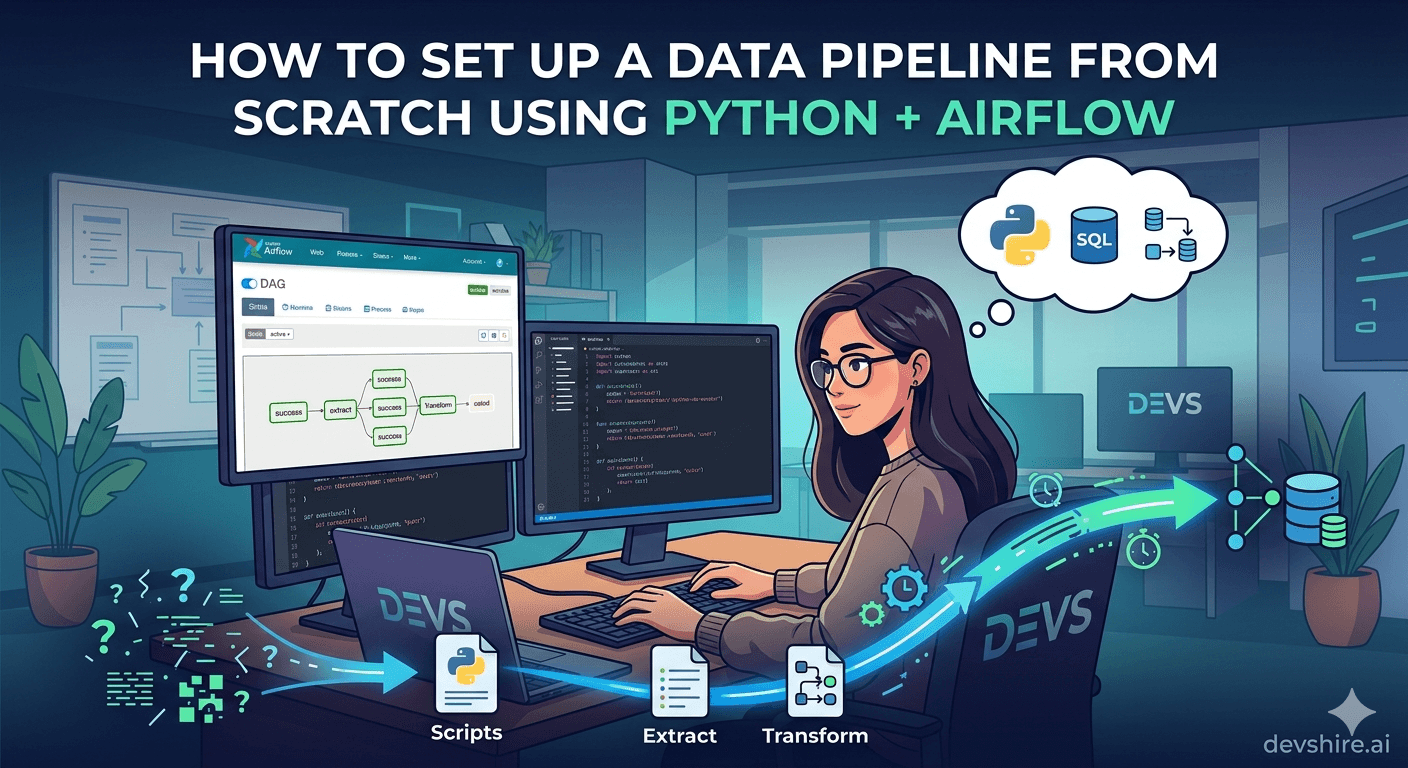
Every data problem eventually becomes a pipeline problem. You start with a script that pulls data from an API, transforms it, and writes it to a database. It works great — until you need it to run every hour, retry on failure, send an alert when it breaks, and not step on itself when two runs overlap. That's when a cron job stops being enough. Apache Airflow is the most widely adopted open-source pipeline orchestration tool in production today. It's mature, Python-native, and built for exactly this problem. But it has a learning curve — and it's overkill for pipelines that don't actually need it. This guide covers everything from setting up your first Airflow environment to building production-grade DAGs, with a clear framework for when Airflow is the right call and when something simpler will do.
💡 TL;DR
Airflow is the right choice when you need: scheduled pipeline runs, task dependencies (task B only runs if task A succeeds), retry logic, and observability. If you just need a script to run every hour, use a cron job or a managed service like Prefect Cloud. To set up Airflow: install with pip, configure a metadata DB (Postgres), write a DAG file with task dependencies, and deploy on Astronomer, MWAA, or Cloud Composer for production. Most data pipeline bugs come from missing error handling and no retry strategy — fix those first.
When to Use Airflow vs Simpler Alternatives
Airflow is powerful. It's also operationally complex. Before you set it up, be honest about whether you actually need it.
Tool | Best For | When to Skip Airflow |
|---|---|---|
Cron + Python script | Single-step, low-frequency jobs with no dependencies | Use this if you have 1–3 scripts with no inter-dependencies |
Prefect | Airflow-like orchestration with less infrastructure overhead | Good alternative if you want task graphs without managing Airflow |
Apache Airflow | Complex pipelines with task dependencies, retries, SLA monitoring | Overkill for single scripts or low-complexity workflows |
dbt Cloud | SQL transformation pipelines specifically | Use when your pipeline is primarily SQL transformations |
AWS Step Functions | AWS-native orchestration with Lambda integration | Good if already deep in AWS and want managed orchestration |
Choose Airflow when: you have multiple tasks that depend on each other, you need retry logic on failure, you want a UI to monitor pipeline runs, and you're running more than one pipeline. Don't choose it because it's popular — choose it because you need orchestration.
⚠️ The operational cost is real
Self-hosting Airflow requires managing the scheduler, worker processes, and a metadata database. For teams without dedicated infrastructure, start with Astronomer (managed Airflow) or Prefect Cloud to get the orchestration benefits without the ops burden.
Airflow Core Concepts You Need to Understand First
Airflow has specific vocabulary that maps to specific behaviours. Getting these wrong leads to pipelines that behave unexpectedly.
📋 DAG (Directed Acyclic Graph)
A DAG is your pipeline definition — it describes which tasks exist and how they depend on each other. The "acyclic" part matters: no task can depend on itself, directly or indirectly. DAGs are defined as Python files in your dags/ directory. Airflow reads them on a schedule and executes runs based on the defined schedule.
⚙️ Task and Operator
A Task is a single unit of work in a DAG. An Operator is the template that defines what a task does. PythonOperator runs a Python function. BashOperator runs a shell command. PostgresOperator runs SQL. You define task instances by instantiating operators with a task_id and the parameters for that task.
📅 Schedule and Execution Date
The schedule parameter on your DAG controls when it runs (e.g., @hourly, @daily, or a cron expression like 0 6 * * *). The execution_date is the logical date of the run — not the date it actually ran. This distinction matters for backfills and reruns. A DAG scheduled daily at midnight with execution_date of 2026-04-10 ran the job FOR that date, even if it executed at 00:01.
🔁 Retries and retry_delay
Every task should have retries and retry_delay set. retries=3 with retry_delay=timedelta(minutes=5) means a failed task will be retried 3 times with 5-minute waits between attempts. Without this, a transient API failure or network blip fails your whole pipeline run permanently.
Setting Up Airflow: Local and Production
Getting Airflow running locally is straightforward. Getting it running reliably in production requires more care. Here's both.
💻 Local setup with pip (development only)
Install with: pip install apache-airflow. Set AIRFLOW_HOME to your project directory. Run airflow db init to create the SQLite metadata database (fine for local, not for production). Then airflow webserver and airflow scheduler in separate terminals. Access the UI at localhost:8080. Use the default admin/admin credentials to log in.
🐳 Docker Compose for local multi-component setup
The official Airflow Docker Compose file spins up the webserver, scheduler, worker, Redis, and a Postgres metadata database together. Download with: curl -LfO 'https://airflow.apache.org/docs/apache-airflow/stable/docker-compose.yaml'. Then docker compose up. This is the right local setup for testing production-like behaviour.
☁️ Production: managed Airflow options
Astronomer (cloud-managed Airflow), AWS MWAA, and Google Cloud Composer all run managed Airflow so you don't manage the scheduler, worker infrastructure, or metadata database. For most startups, Astronomer's entry tier is the fastest path to production Airflow without ops overhead. Self-host only if you have a dedicated data engineer who'll own it.
Building Your First DAG: A Real ETL Example
Enough theory. Here's a concrete ETL pipeline: extract data from an external API, transform it with Python, and load it into a PostgreSQL database. This pattern covers most startup data pipeline needs.
Task | Operator | What It Does |
|---|---|---|
extract_data | PythonOperator | Calls external API, saves raw JSON to /tmp or S3 |
transform_data | PythonOperator | Reads raw JSON, applies business logic, returns clean records |
load_to_postgres | PythonOperator or PostgresOperator | Inserts/upserts clean records into target table |
send_slack_alert | SlackWebhookOperator | Notifies on failure (set as on_failure_callback) |
The task dependency chain is: extract_data >> transform_data >> load_to_postgres. The >> operator sets execution order. If extract_data fails, transform_data and load_to_postgres won't run. Slack alert fires on any task failure via the on_failure_callback parameter on the DAG definition.
📌 Use XCom sparingly for task communication
XCom lets tasks pass data to each other. For small values (IDs, counts, status flags) it's fine. For large datasets, don't push data through XCom — write to intermediate storage (S3 or a temp table) and pass the location. XCom data lives in the Airflow metadata database and large pushes will bloat it.
Trusted by 500+ startups & agencies
"Hired in 2 hours. First sprint done in 3 days."
Michael L. · Marketing Director
"Way faster than any agency we've used."
Sophia M. · Content Strategist
"1 AI dev replaced our 3-person team cost."
Chris M. · Digital Marketing
Join 500+ teams building 3× faster with Devshire
1 AI-powered senior developer delivers the output of 3 traditional engineers — at 40% of the cost. Hire in under 24 hours.
Error Handling and Observability: What Most Tutorials Skip
A pipeline with no error handling is a time bomb. Here's the specific error handling pattern every production Airflow DAG needs.
🔁 Set retries on every task
Default DAG-level retries: retries=3, retry_delay=timedelta(minutes=5), retry_exponential_backoff=True. The exponential backoff means retry delays grow — 5 min, 10 min, 20 min — which avoids hammering a struggling downstream service. Override per-task if specific tasks need different retry behaviour.
🚨 Failure callbacks for real-time alerts
Set on_failure_callback at the DAG level to fire a Slack or PagerDuty notification when any task fails. Don't rely on checking the Airflow UI manually. Failed pipelines that go unnoticed for hours are how stale data causes downstream decisions built on wrong numbers.
⏱️ Set SLAs for critical pipelines
The sla parameter on a DAG triggers an alert if the DAG hasn't completed within the specified time. For a pipeline that needs to finish by 7am daily, set sla=timedelta(hours=7). Airflow will alert if it's still running past the SLA window.
🗃️ Idempotent tasks
Every task should be idempotent — running it twice should produce the same result as running it once. Use upserts (INSERT ... ON CONFLICT) instead of plain inserts. Check if output already exists before processing. This makes retries and backfills safe instead of producing duplicates.
Scheduling Patterns: Beyond @daily
Airflow's scheduling system is more powerful than most users realise. Here are the patterns that matter in production.
Pattern | Config | Use Case |
|---|---|---|
Fixed schedule | schedule='0 6 * * *' | Daily at 6am UTC — most common pattern |
No schedule (manual trigger) | schedule=None | On-demand pipelines triggered via API or UI |
Dataset-triggered | schedule=Dataset('s3://bucket/file') | Run when upstream data file is available (Airflow 2.4+) |
Timetable | Custom timetable class | Complex scheduling (business days only, skip holidays) |
One critical setting: catchup=False on your DAG definition. If Airflow restarts and you've been down for 3 days, it will try to backfill 3 days of missed runs by default. catchup=False tells it to only run the most recent interval. Set this on every DAG unless you explicitly need historical backfills.
Production Best Practices Checklist
✅ Store credentials in Airflow Connections, not in DAG code
Never hardcode API keys or database passwords in your DAG files. Use Airflow Connections (stored in the metadata DB, accessible via the UI) and reference them with BaseHook.get_connection('my_conn_id'). For secrets at scale, use Airflow's Secrets Backend with HashiCorp Vault or AWS Secrets Manager.
✅ Keep DAG files as orchestration, not business logic
DAG files should define task structure and call Python functions — not contain transformation logic. Put your ETL logic in a separate module (e.g., pipelines/transform.py) and import it. This makes your pipeline testable in isolation without running Airflow.
✅ Write unit tests for your task functions
Since your transformation logic lives in regular Python functions (not Airflow-specific code), you can test it with pytest without spinning up an Airflow environment. Test the extract, transform, and load functions independently before wiring them into DAG tasks.
✅ Use the Taskflow API (Airflow 2.0+) for cleaner DAG code
The @task decorator and @dag decorator from airflow.decorators reduce boilerplate significantly. Instead of instantiating PythonOperator manually, annotate your functions with @task and define dependencies by calling them directly. The code is more readable and the XCom passing is implicit.
✅ Monitor the metadata database size
Airflow stores all task instance logs and XCom data in the metadata database. Run periodic cleanup with airflow db clean --clean-before-timestamp to remove old records. Unmanaged metadata database growth is a common production issue that causes Airflow scheduler slowdowns.
Airflow Alternatives Worth Knowing in 2026
Airflow isn't the only answer. Here's when the alternatives win.
⚡ Prefect — simpler orchestration, less infrastructure
Prefect 3.0 (2025) offers Airflow-comparable orchestration with a simpler Python API and a managed cloud option (Prefect Cloud) that requires no infrastructure. If you want task graphs and retries without managing Airflow's scheduler and worker infrastructure, Prefect is worth evaluating first.
🔧 dbt + Airflow — best for SQL-heavy transformation pipelines
dbt handles SQL transformation logic, testing, and lineage. Airflow orchestrates dbt runs alongside other Python tasks. The combination is the standard stack for data teams with heavy SQL transformation needs. dbt Cloud also has its own scheduler if you don't need Airflow's broader orchestration.
🌩️ AWS Step Functions — for AWS-native teams
If your stack is already deep in AWS, Step Functions with Lambda or ECS tasks gives you managed orchestration without running a separate service. Less Python-native than Airflow but zero infrastructure to manage. Works well for moderate-complexity pipelines in AWS.
The Bottom Line
Airflow is the right choice for pipelines with task dependencies, retry requirements, and observability needs. For simple scheduled scripts, use cron or Prefect Cloud instead.
Use Docker Compose locally for a production-like multi-component setup. In production, use Astronomer, AWS MWAA, or Google Cloud Composer to avoid managing Airflow infrastructure yourself.
Set retries=3 and retry_delay on every task — with exponential backoff. Transient failures should retry automatically, not page an engineer at 2am.
Set catchup=False on all DAGs unless you explicitly need historical backfills. Missed run backfills will flood your workers after any Airflow downtime.
Make all tasks idempotent using upserts and existence checks. Safe retries and backfills depend on it.
Store credentials in Airflow Connections or a secrets backend — never in DAG code.
Keep transformation logic in separate Python modules, not in DAG files. This makes your pipeline testable without Airflow and keeps DAGs readable.
Frequently Asked Questions
Is Apache Airflow still the best choice for data pipelines in 2026?
For complex pipelines with task dependencies, retries, and a need for UI observability, yes. Prefect has emerged as a strong competitor with less infrastructure overhead. For simpler use cases, Prefect Cloud or even cron jobs are more appropriate than running a full Airflow stack.
How do I get started with Airflow without managing infrastructure?
Use Astronomer's managed Airflow (free trial available), AWS MWAA, or Google Cloud Composer. All three run Airflow without you managing the scheduler, worker, or metadata database. For a zero-infra alternative with similar capabilities, Prefect Cloud is worth evaluating.
What's the difference between Airflow and Prefect?
Both orchestrate task-based workflows. Airflow is more established with a larger ecosystem but requires more infrastructure to operate. Prefect has a simpler Python API, a managed cloud tier, and less operational overhead. If you're starting from scratch in 2026, evaluate Prefect before defaulting to Airflow — especially if you don't have dedicated data engineering infrastructure.
How do I pass data between Airflow tasks?
For small values (IDs, counts, status flags), use XCom with the Taskflow API — the @task decorator handles XCom passing implicitly. For large datasets, write to intermediate storage (S3 bucket, temp table in your database) and pass the file path or table name via XCom. Avoid pushing large datasets through XCom directly — it bloats the metadata database.
How do I handle secrets and API keys in Airflow?
Store credentials in Airflow Connections via the UI (Admin → Connections) and reference them in tasks using BaseHook.get_connection(). For production secrets management, configure Airflow's Secrets Backend to pull from HashiCorp Vault or AWS Secrets Manager. Never hardcode credentials in DAG files — they'll end up in version control.
Need a Developer to Build Your Data Pipeline?
devshire.ai matches you with pre-vetted AI developers experienced in Python, Airflow, Prefect, and production data engineering — ready to start in days, not weeks.
Find Your Developer at devshire.ai →
No upfront cost · Shortlist in 48–72 hrs · Freelance & full-time · Stack-matched candidates
About devshire.ai — devshire.ai matches AI-powered engineering talent with product teams. Every developer in the network has passed a live AI proficiency screen covering tool use, output validation, and codebase review. Freelance and full-time options. Typical time-to-hire: 8–12 days. Start hiring →
Related reading: How to Build a Real-Time Analytics Dashboard for Your SaaS App · How AI Developers Use SQL + Python to Automate Business Reporting · PostgreSQL vs MongoDB in 2026: Which Database Fits Your Startup? · Supabase vs Firebase: Which Backend Is Better for Startups in 2026? · API Security Best Practices: What Every SaaS Developer Should Know







Devshire Team
San Francisco · Responds in <2 hours
Hire your first AI developer — this week
Book a free 30-minute call. We'll match you with the right developer for your project and get you started within 24 hours.
<24h
Time to hire
3×
Faster builds
40%
Cost saved